



About this listing
Samsung Email is listed with version, update, developer, screenshots, permissions, source, and compatibility details from the available app metadata.
APK and source facts
Before you install
- Android requirement is not listed in the current data.
- Package size is not listed in the current data.
- The source link points to a Google Play listing.
Listing evidence
Samsung Email includes version 6.2.07.5, last update Dec 16, 2025, 4 screenshots, privacy policy link in the current metadata.
The current metadata notes that permission list is not available.
FungoApp APK review notes
Samsung Email APK listing review
Samsung Email APK listing review
Samsung Email is a Productivity app from Samsung Electronics Co., Ltd. with the package name `com.samsung.android.email.provider`. The listing describes an email client for Samsung mobile devices with multiple personal and business accounts, POP3, IMAP, Exchange ActiveSync, Exchange calendars, contacts, tasks, S/MIME encryption, spam management, notifications, combined mailboxes, and policy administration.
Listing Identity
The local metadata shows version 6.2.07.5, an update date of December 16, 2025, and a release date of January 15, 2017. Installs are listed at 1,000,000,000+ with a score around 4.39 from more than 2.5 million ratings. That is a major installed base, especially across Galaxy devices. Readers should still check recent reviews for provider-specific sync issues.
Email And Exchange Support
Samsung Email supports personal accounts through POP3 and IMAP, plus business accounts through Exchange ActiveSync. It also supports calendar, contacts, tasks, spam management, combined inboxes, and conversation view. This makes it useful for Galaxy users who want a native-feeling email client rather than separate apps for each provider.
Business And Security Features
The listing mentions S/MIME encryption and policy administration with Exchange support. Those features matter for business users, but they depend on organization setup, certificates, server policy, and device management. IT teams should verify compatibility with the company's mail server and mobile-device rules before recommending it broadly.
Cost And Ads
The metadata marks Samsung Email as free with no ads and no in-app purchases. That clean monetization profile is expected for a Samsung utility. Users should still verify whether the app is supported on their non-Samsung device, since the description says the update is available for Samsung Mobile with Android OS.
Privacy And Permissions
The listing provides a clear permission section. Required permissions are listed as none, while optional permissions include camera, location, contacts, calendar, notifications, music and audio, file and media, and storage depending on Android version. These map to attachments, location sharing, Exchange sync, and notifications. Users should grant only what they need.
Reader Fit
Samsung Email fits Galaxy users who need a built-in style email client for personal and Exchange accounts. It may be less ideal for users deeply tied to Gmail, Outlook, Proton, or provider-specific features. Business users should check S/MIME setup, Exchange policy, and calendar/contact sync before relying on it.
Source Checks
Confirm the package `com.samsung.android.email.provider`, developer name, current version, privacy policy, supported devices, Exchange compatibility, S/MIME behavior, and live permissions. Read recent reviews for sync failures, notification delays, attachment bugs, battery drain, and provider login problems.
FungoApp Review View
Samsung Email is a large, mature email client with strong Galaxy integration. The review should focus on provider compatibility, Exchange policy, optional permissions, S/MIME setup, sync reliability, device support, and whether it offers a simpler daily workflow than provider-specific email apps.
FungoApp review for Samsung Email
Samsung Email by Samsung Electronics Co., Ltd. is listed in Productivity. This page organizes the available metadata into a practical review format, including version 6.2.07.5, Android requirement not listed, update date Dec 16, 2025, rating 4.4 out of 5, and install signal 1,000,000,000+.
Compare Android productivity apps by looking at task, note, file, calendar, sync, offline, and collaboration features alongside permission and account requirements. For Samsung Email, use the details below as a checklist before you decide whether the app fits your device, privacy expectations, and use case.
Install decision context for Samsung Email
Samsung Email is best reviewed as a Productivity listing from Samsung Electronics Co., Ltd., not as a direct APK file from FungoApp. The current signals show version 6.2.07.5, Android requirement not listed, last update Dec 16, 2025, rating 4.4 out of 5, install signal 1,000,000,000+, and monetization that does not list ads in the current data and does not list in-app purchases in the current data. Use those signals together: a popular listing can still be a poor fit if the permissions, update age, or account requirements do not match your intended use.
Use-case fit analysis
Samsung Email is presented around this purpose: "Experience powerful and Reliable email client on your Galaxy." A good fit is more likely when that purpose matches the category, screenshots, version history, and the kind of access the app requests. If you only need a narrow task, compare this listing with simpler alternatives before leaving FungoApp for the external source.
Permissions and privacy interpretation
Samsung Email does not include a permission list in the current FungoApp data. That missing field reduces review confidence, so readers should check the Android install prompt and source listing before using personal data or granting sensitive access.
Version and update interpretation
The listing shows version 6.2.07.5, updated Dec 16, 2025, package size not listed, and Android requirement not listed. Newer updates can indicate maintenance, but the practical question is whether the listed Android requirement fits your device and whether recent changes explain why the app needs its current permissions and storage footprint.
Screenshot review prompts
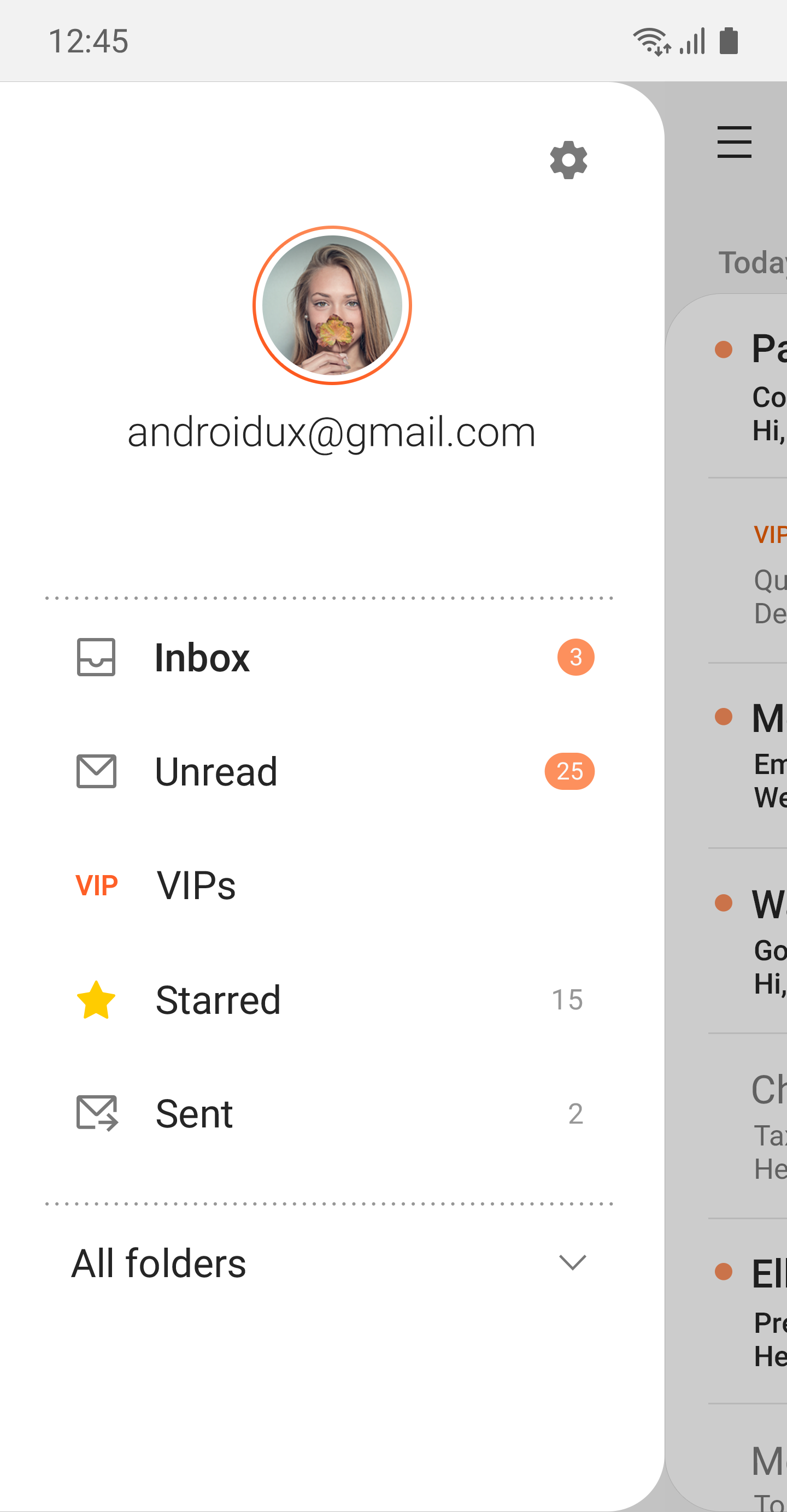
Samsung Email includes 4 screenshots in the current listing data. Use them to confirm the interface, account prompts, ads, paywalls, editing tools, game style, or workflow before you open the source page. Screenshots are evidence of presentation, not independent proof of package behavior.
Use case fit
Samsung Email is summarized as: "Experience powerful and Reliable email client on your Galaxy." Compare that promise with the screenshots, category, update notes, and related apps before installing.
Version and compatibility
The listing shows version 6.2.07.5, Android requirement not listed, package size not listed, and last update Dec 16, 2025. These details matter because older devices, large packages, and stale updates can change the install experience.
Privacy and permissions
Samsung Email does not include a permission list in the current metadata, so review the source listing and Android install prompt carefully.
Review checklist
- Confirm the developer name and source listing before installing.
- Review version, Android requirement, package size, and update date.
- Compare requested permission access with the feature you actually need.
- Read recent change notes and ratings as signals, not as guarantees of safety.
Comparison prompts
- Compare Samsung Email's developer and source link with other Productivity options before installing.
- Check whether version 6.2.07.5 and Android not listed match your device.
- Review the source listing carefully because FungoApp does not currently have a permission list for this app.
- Compare against related listings such as Samsung Notes and Samsung Calendar for feature scope and privacy tradeoffs.
Publisher notes
- FungoApp organizes public listing metadata into review notes and comparison checklists for Samsung Email.
- FungoApp does not host the APK file, modify the app package, or claim independent file verification from the current data.
- The 4.4 rating is positive, though rating volume and recent reviews should be checked on the source listing before treating it as a strong quality signal. 1,000,000,000+ installs indicate broad usage, which helps with discovery but does not prove the package is appropriate for every device or privacy expectation.
Developer-provided description
Samsung Email enables users to manage multiple personal and business email accounts seamlessly. Samsung Email also offers EAS integration for business, encryption using S/MIME to safeguard data and ease-of-use features such as insightful notifications, SPAM management. Furthermore, organizations can administer various policies as needed.
Key features
· POP3 and IMAP support for managing personal email accounts
· Exchange ActiveSync (EAS) integration for synchronizing Exchange Server based business email, calendars, contacts and tasks
· Encryption using S/MIME for secure email communication
Additional features
· Customizable user experience with notifications, schedule synchronization, SPAM management, and combined mailboxes
· Policy administration with comprehensive, built-in EAS support
· Conversation and thread view to read related mail
--- Regarding the App Access Permission ---
The following permissions are required for the app service. For optional permissions, the default functionality of the service is turned on, but not allowed.
[Required permissions]
- None
[Optional permissions]
- Camera: Used to attach photos to email
- Location: Used to attach current location information to email
- Contacts: Used to link email recipients/senders with contacts and synchronize contact information when using Microsoft Exchange account
- Calendar: Used to synchronize calendar infomation when using Microsoft Exchange account
- Notification : Used to display notification when sending or receiving emails
- Music and audio (Android 13 or higher) : Used to attach or save files such as music and audio
- File and Media (Android 12) : Used to attach(insert) or save files and media.
- Storage (Android 11 or less) : Used to attach(insert) or save files
[Privacy Policy]
https://eula.secb2b.com/EULA/EMAIL/GLOBAL_en_rUS_Privacy_Policy.html
[Supported E-mail]
[email protected]
Requirements (Latest version)
Android requirement is not listed in the current metadata.


