






About this listing
My Passwords Manager is listed with version, update, developer, screenshots, permissions, source, and compatibility details from the available app metadata.
APK and source facts
Before you install
- Android requirement is not listed in the current data.
- Package size is not listed in the current data.
- The source link points to a Google Play listing.
Listing evidence
My Passwords Manager includes version Varies with device, last update Dec 18, 2025, 13 screenshots, privacy policy link in the current metadata.
The current metadata notes that permission list is not available.
FungoApp APK review notes
My Passwords Manager APK listing review
My Passwords Manager APK listing review
My Passwords Manager is a Productivity app from Erkan Molla with the package name `com.er.mo.apps.mypasswords`. The listing describes an offline password manager with AES-256 encryption, a master password, no internet permission, unlimited storage, backup and restore, a password generator, auto exit when the screen turns off, multi-window support, and Pro features such as biometric unlock, password history, self-destruction, custom fields, clipboard auto-clear, CSV import and export, PDF export, image attachments, Wear OS support, themes, labels, mass actions, and one-time passwords.
Listing Profile
The local metadata shows a device-dependent version, an update date of December 18, 2025, and a release date of May 1, 2014. Installs are listed at 1,000,000+ with a score around 4.39 from 43,583 ratings. That is a strong base for an independent password vault, but users should still evaluate recovery and backup risk.
Offline Design
The key appeal is offline storage. If the app truly has no internet permission, vault data is less exposed to remote services. The tradeoff is that the user becomes responsible for backups, device migration, and disaster recovery. Losing the phone or forgetting the master password may mean losing the vault.
Encryption And Master Password
AES-256 encryption is a good sign, but security still depends on implementation, key derivation, master password strength, screen lock, and safe backups. Users should choose a long unique master password and test restore before trusting the app with all accounts. Biometric unlock should be convenience, not the only recovery strategy.
Pro Features With Risk
CSV and PDF export, image attachments, Wear OS access, and clipboard tools are useful, but they can leak secrets if handled carelessly. CSV and PDF files should be deleted after migration, printed copies should be secured, and clipboard auto-clear should be enabled if the user copies passwords between apps.
Cost And Permissions
The metadata marks My Passwords Manager as free with in-app purchases and no ad-supported flag. The listing says Pro is a one-time purchase with no subscriptions. Readers should verify current purchase terms, export availability, biometric support, and whether any optional backup flow uses external storage or third-party cloud apps.
Backup Discipline
Offline password managers live or die by backup quality. Users should create encrypted backups, store them somewhere safe, and periodically test restore on a second device. A backup saved openly to downloads, email, or cloud storage can defeat the benefit of local-only vault storage.
Review Checks
Confirm the package `com.er.mo.apps.mypasswords`, developer name, current version, terms, live permissions, encryption details, Pro purchase terms, export formats, and restore process. Recent reviews should be checked for vault loss, biometric bugs, import failures, crashes, and support responsiveness.
FungoApp Review View
My Passwords Manager is substantial because it makes a clear local-first security tradeoff. The review should emphasize offline privacy, backup responsibility, master password risk, export handling, Pro feature safety, no-internet verification, and whether users prefer local control over cloud convenience.
FungoApp review for My Passwords Manager
My Passwords Manager by Erkan Molla is listed in Productivity. This page organizes the available metadata into a practical review format, including version Varies with device, Android requirement not listed, update date Dec 18, 2025, rating 4.4 out of 5, and install signal 1,000,000+.
Compare Android productivity apps by looking at task, note, file, calendar, sync, offline, and collaboration features alongside permission and account requirements. For My Passwords Manager, use the details below as a checklist before you decide whether the app fits your device, privacy expectations, and use case.
Install decision context for My Passwords Manager
My Passwords Manager is best reviewed as a Productivity listing from Erkan Molla, not as a direct APK file from FungoApp. The current signals show version Varies with device, Android requirement not listed, last update Dec 18, 2025, rating 4.4 out of 5, install signal 1,000,000+, and monetization that does not list ads in the current data and offers in-app purchases. Use those signals together: a popular listing can still be a poor fit if the permissions, update age, or account requirements do not match your intended use.
Use-case fit analysis
My Passwords Manager is presented around this purpose: "Offline password manager! Secure, private, & unlimited storage." A good fit is more likely when that purpose matches the category, screenshots, version history, and the kind of access the app requests. If you only need a narrow task, compare this listing with simpler alternatives before leaving FungoApp for the external source.
Permissions and privacy interpretation
My Passwords Manager does not include a permission list in the current FungoApp data. That missing field reduces review confidence, so readers should check the Android install prompt and source listing before using personal data or granting sensitive access.
Version and update interpretation
The listing shows version Varies with device, updated Dec 18, 2025, package size not listed, and Android requirement not listed. Newer updates can indicate maintenance, but the practical question is whether the listed Android requirement fits your device and whether recent changes explain why the app needs its current permissions and storage footprint.
Screenshot review prompts
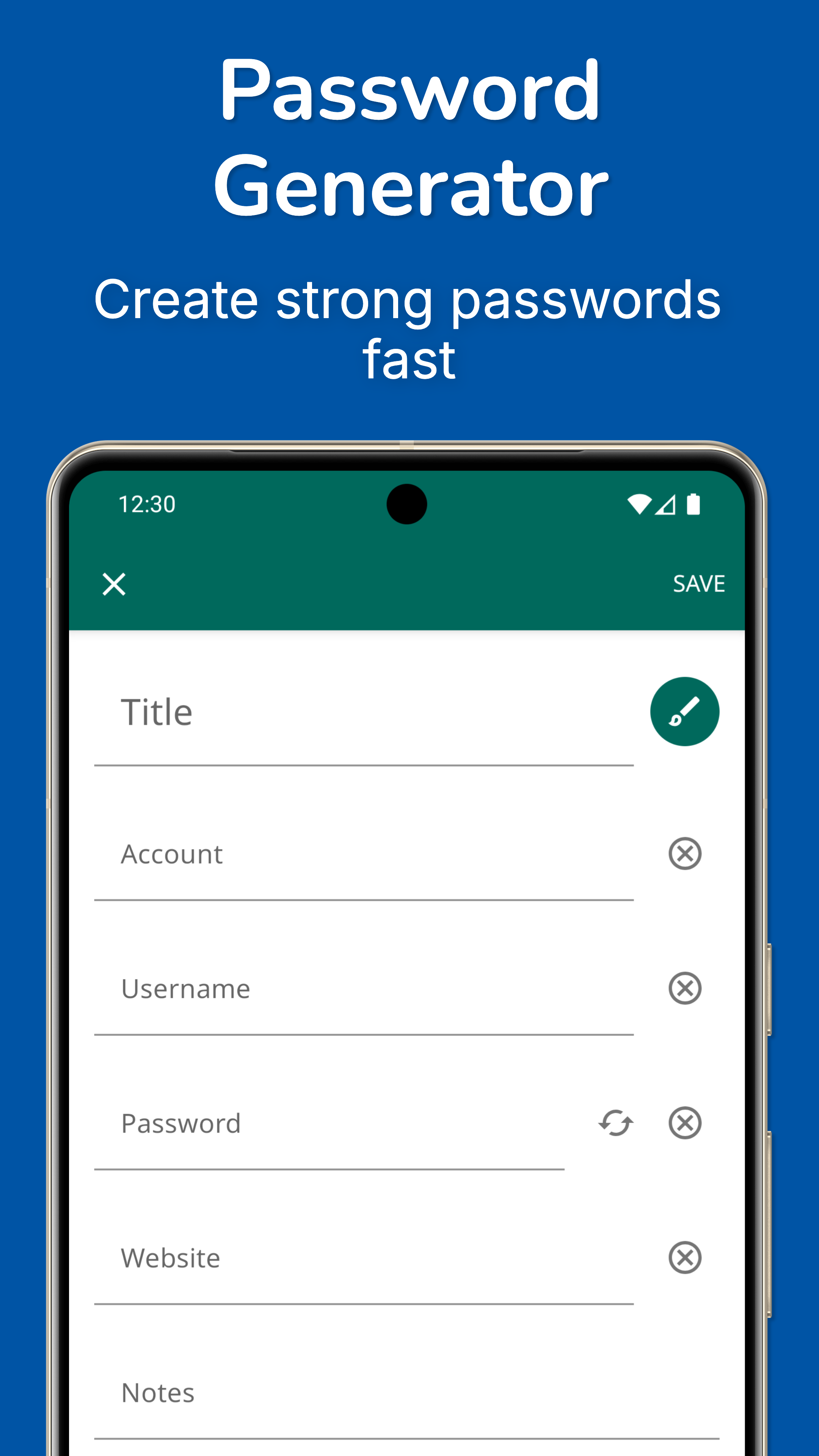
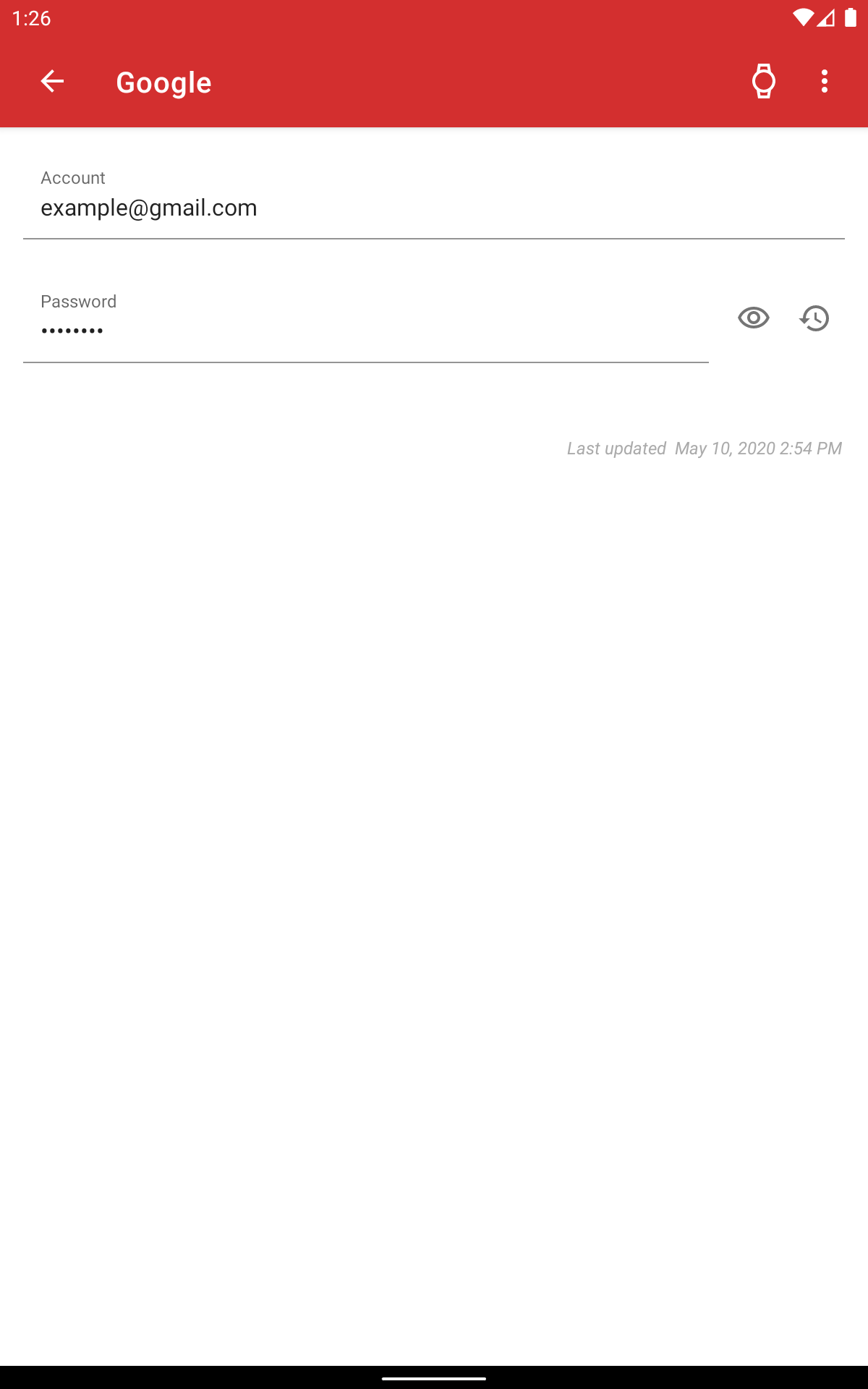
My Passwords Manager includes 13 screenshots in the current listing data. Use them to confirm the interface, account prompts, ads, paywalls, editing tools, game style, or workflow before you open the source page. Screenshots are evidence of presentation, not independent proof of package behavior.
Use case fit
My Passwords Manager is summarized as: "Offline password manager! Secure, private, & unlimited storage." Compare that promise with the screenshots, category, update notes, and related apps before installing.
Version and compatibility
The listing shows version Varies with device, Android requirement not listed, package size not listed, and last update Dec 18, 2025. These details matter because older devices, large packages, and stale updates can change the install experience.
Privacy and permissions
My Passwords Manager does not include a permission list in the current metadata, so review the source listing and Android install prompt carefully.
Review checklist
- Confirm the developer name and source listing before installing.
- Review version, Android requirement, package size, and update date.
- Compare requested permission access with the feature you actually need.
- Read recent change notes and ratings as signals, not as guarantees of safety.
Comparison prompts
- Compare My Passwords Manager's developer and source link with other Productivity options before installing.
- Check whether version Varies with device and Android not listed match your device.
- Review the source listing carefully because FungoApp does not currently have a permission list for this app.
- Compare against related listings such as ZENTRA Utility and Honeywell Device Utility for feature scope and privacy tradeoffs.
Publisher notes
- FungoApp organizes public listing metadata into review notes and comparison checklists for My Passwords Manager.
- FungoApp does not host the APK file, modify the app package, or claim independent file verification from the current data.
- The 4.4 rating is positive, though rating volume and recent reviews should be checked on the source listing before treating it as a strong quality signal. 1,000,000+ installs indicate broad usage, which helps with discovery but does not prove the package is appropriate for every device or privacy expectation.
Developer-provided description
My Passwords Manager safeguards your logins, passwords, and other sensitive information in a highly encrypted vault, accessible only with your master password. No internet access required, ensuring your data stays private and offline.
Unlike cloud-based managers, your data never leaves your device, ensuring strong security with no internet access.
Key Features
• AES-256 encryption – The gold standard for data security
• Quick & easy access – Simplify login management
• Offline & private – No internet permission required
• Backup & restore – Securely transfer data between devices
• Built-in password generator – Create strong passwords instantly
• Auto exit – Locks when the screen turns off
• Multi-window support – Boost productivity
• Unlimited entries – Store all your logins with ease
PRO Features (One-time purchase, no subscriptions)
• Biometric unlock – Fingerprint & face authentication
• Password history – Track previous passwords
• Self-destruction – Extra security in case of attacks
• Custom fields – Store additional details for each entry
• Clipboard auto-clear – Prevent leaks
• CSV import & export – Seamless migration and backup
• PDF export & print – Save and print your passwords securely
• Image attachments – Store visual credentials
• Wear OS support – Access passwords on your smartwatch
• Theme Selection – Personalize your app experience with various themes
• Unlimited Labels & Mass Actions – Organize your way
• One-Time Passwords (OTP) – Built-in authenticator for 2FA accounts
Why Go PRO?
Enjoy all the premium features with a single in-app purchase. No subscriptions, no recurring fees.
Security You Can Trust
Your data is protected with AES-256 encryption, a widely trusted industry standard. Need a strong password? Generate one instantly with the built-in tool.
Backup & Restore
Easily transfer your data across devices using local storage or apps like Dropbox and Google Drive. Just create a backup and restore it using your master password.
Wear OS Integration
Store selected passwords on your smartwatch for quick access. Just open an entry on your phone and tap the watch icon. View selected OTP codes directly on your smartwatch for quick access.
Important Notes
• My Passwords Manager is an offline password manager. Data is not automatically synced between devices.
• Lost Master Password? Your data cannot be recovered. Please choose and remember your master password carefully.
Requirements (Latest version)
Android requirement is not listed in the current metadata.


