

Video Preview




About this listing
Document Scanner - PDF Creator is listed with version, update, developer, screenshots, permissions, source, and compatibility details from the available app metadata.
APK and source facts
Before you install
- Android requirement is not listed in the current data.
- Package size is not listed in the current data.
- The source link points to a Google Play listing.
Listing evidence
Document Scanner - PDF Creator includes version 6.8.18, last update Aug 29, 2025, 15 screenshots, privacy policy link in the current metadata.
The current metadata notes that permission list is not available.
FungoApp review for Document Scanner - PDF Creator
Document Scanner - PDF Creator by LUFICK TECHNOLOGY PRIVATE LIMITED is listed in Productivity. This page organizes the available metadata into a practical review format, including version 6.8.18, Android requirement not listed, update date Aug 29, 2025, rating 4.8 out of 5, and install signal 50,000,000+.
Compare Android productivity apps by looking at task, note, file, calendar, sync, offline, and collaboration features alongside permission and account requirements. For Document Scanner - PDF Creator, use the details below as a checklist before you decide whether the app fits your device, privacy expectations, and use case.
Install decision context for Document Scanner - PDF Creator
Document Scanner - PDF Creator is best reviewed as a Productivity listing from LUFICK TECHNOLOGY PRIVATE LIMITED, not as a direct APK file from FungoApp. The current signals show version 6.8.18, Android requirement not listed, last update Aug 29, 2025, rating 4.8 out of 5, install signal 50,000,000+, and monetization that contains ads and offers in-app purchases. Use those signals together: a popular listing can still be a poor fit if the permissions, update age, or account requirements do not match your intended use.
Use-case fit analysis
Document Scanner - PDF Creator is presented around this purpose: "Document Scanner(DocScanner) and PDF Creator App to scan documents on the fly" A good fit is more likely when that purpose matches the category, screenshots, version history, and the kind of access the app requests. If you only need a narrow task, compare this listing with simpler alternatives before leaving FungoApp for the external source.
Permissions and privacy interpretation
Document Scanner - PDF Creator does not include a permission list in the current FungoApp data. That missing field reduces review confidence, so readers should check the Android install prompt and source listing before using personal data or granting sensitive access.
Version and update interpretation
The listing shows version 6.8.18, updated Aug 29, 2025, package size not listed, and Android requirement not listed. Newer updates can indicate maintenance, but the practical question is whether the listed Android requirement fits your device and whether recent changes explain why the app needs its current permissions and storage footprint.
Screenshot review prompts
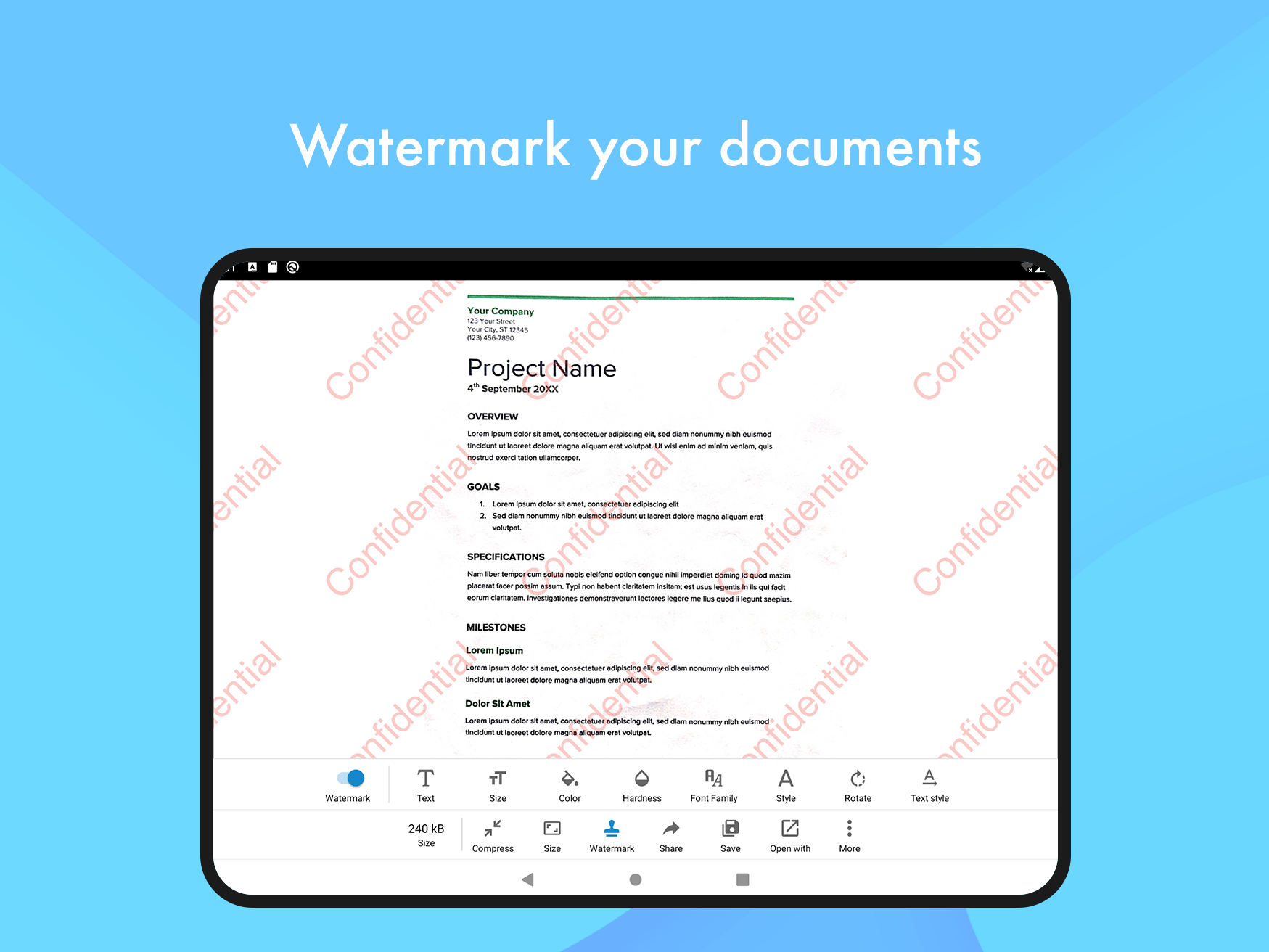
Document Scanner - PDF Creator includes 15 screenshots in the current listing data. Use them to confirm the interface, account prompts, ads, paywalls, editing tools, game style, or workflow before you open the source page. Screenshots are evidence of presentation, not independent proof of package behavior.
Use case fit
Document Scanner - PDF Creator is summarized as: "Document Scanner(DocScanner) and PDF Creator App to scan documents on the fly" Compare that promise with the screenshots, category, update notes, and related apps before installing.
Version and compatibility
The listing shows version 6.8.18, Android requirement not listed, package size not listed, and last update Aug 29, 2025. These details matter because older devices, large packages, and stale updates can change the install experience.
Privacy and permissions
Document Scanner - PDF Creator does not include a permission list in the current metadata, so review the source listing and Android install prompt carefully.
Review checklist
- Confirm the developer name and source listing before installing.
- Review version, Android requirement, package size, and update date.
- Compare requested permission access with the feature you actually need.
- Read recent change notes and ratings as signals, not as guarantees of safety.
Comparison prompts
- Compare Document Scanner - PDF Creator's developer and source link with other Productivity options before installing.
- Check whether version 6.8.18 and Android not listed match your device.
- Review the source listing carefully because FungoApp does not currently have a permission list for this app.
- Compare against related listings such as ZENTRA Utility and Honeywell Device Utility for feature scope and privacy tradeoffs.
Publisher notes
- FungoApp organizes public listing metadata into review notes and comparison checklists for Document Scanner - PDF Creator.
- FungoApp does not host the APK file, modify the app package, or claim independent file verification from the current data.
- The 4.8 rating with 2,524,454 rating entries is a useful popularity signal, but it should still be checked against update date, permissions, and the source listing. 50,000,000+ installs indicate broad usage, which helps with discovery but does not prove the package is appropriate for every device or privacy expectation.
Developer-provided description
To rescue you from that situation we brings you a portable Doc Scanner. This Doc(Document) scanner lets you scan your documents anytime anywhere.
There are some additional features as well in the app which makes your document after scanning more professional and good to look at.
Let's take a tour of that attractive features::
* Scan your document.
* Enhance the scan quality automatically/Manually.
* Enhancement includes smart cropping and many more.
* Optimize your PDF into modes like B/W, Lighten, Color and dark.
* Turn scans into clear and and sharp PDF.
* Arrange your doc in folder and sub folders.
* Share PDF/JPEG files.
* Print and fax the scanned doc directly from the app.
* Upload doc’s to the cloud like Google Drive, Dropbox etc.
* Scan QR Code/Bar-code.
* Create QR Code.
* Share scanned QR Code.
* Turns your old documents into a clear and sharp one by removing the noise.
* Can create PDF in different sizes from A1 to A-6 and like Postcard, letter ,Note etc.
Help us to Translate the app
Your help with translation will be really appreciated.
Translation URL: http://cvinfotech.oneskyapp.com/collaboration/project?id=121989
Features at a glance :
- Best Document Scanner - It has all of the features that a scanner should have.
- Portable Document Scanner - By having this document scanner in your phone, you can save your time and efforts by quickly scanning anything on the fly.
- Paper Scanner - The app offers third party cloud storage(Drive,Photos) where you can scan papers and save on cloud storage.
- Best Document Scanner Lite - Scans are saved to your device in image or PDF format.
- PDF Document Scanner - Scans PDF with edge detection feature additionally.
- All type of Doc Scan - Scan in color, Grey, Sky Blue.
- Easy Scanner - Scan and Instant print out documents in any size like A1, A2,A3,A4… etc.
- Portable Scanner - The Doc scanner once installed can turn every smartphone into a portable scanners.
- PDF Creator - Convert scanned images to the best quality PDF file.
- QR Code Scanner - This app also have QR Code Scanner feature.
- Bar-code Scanner - Another great feature Bar-code scanner is also integrated in this app.
- OCR Text Recognition (Upcoming Feature in Next Update) - The OCR Text Recognition let you recognize text from images then edit texts or share text to other apps.
- High Quality Scans - The scan quality is of no match, You just get your documents digitally original.
- Images to PDF Converter - You can select some image from Image Gallery and convert it into a PDF file as document.
- Cam Scanner - Take a picture of the whiteboard or blackboard and produce it exactly same with the help of Doc Scanner at home even if you're offline. No internet required for the app to function.
- Remove grain/noise from old document/picture - Remove Noise from old image Using various advanced filter techniques and make it more clear and sharp than before.
- Flashlight - This scanner app also have Flash light feature that helps you in taking scans in low-light environment.
- A+ Document Scanner - This App is rated A+ by users based upon multiple ratings and reviews.
Requirements (Latest version)
Android requirement is not listed in the current metadata.


