

Video Preview



About this listing
Checklist Fácil is listed with version, update, developer, screenshots, permissions, source, and compatibility details from the available app metadata.
APK and source facts
Before you install
- Android requirement is not listed in the current data.
- Package size is not listed in the current data.
- The source link points to a Google Play listing.
Listing evidence
Checklist Fácil includes version 3.57.0, last update Jan 31, 2026, 5 screenshots, privacy policy link in the current metadata.
The current metadata notes that permission list is not available.
FungoApp APK review notes
Checklist Facil APK listing review
Checklist Facil APK listing review
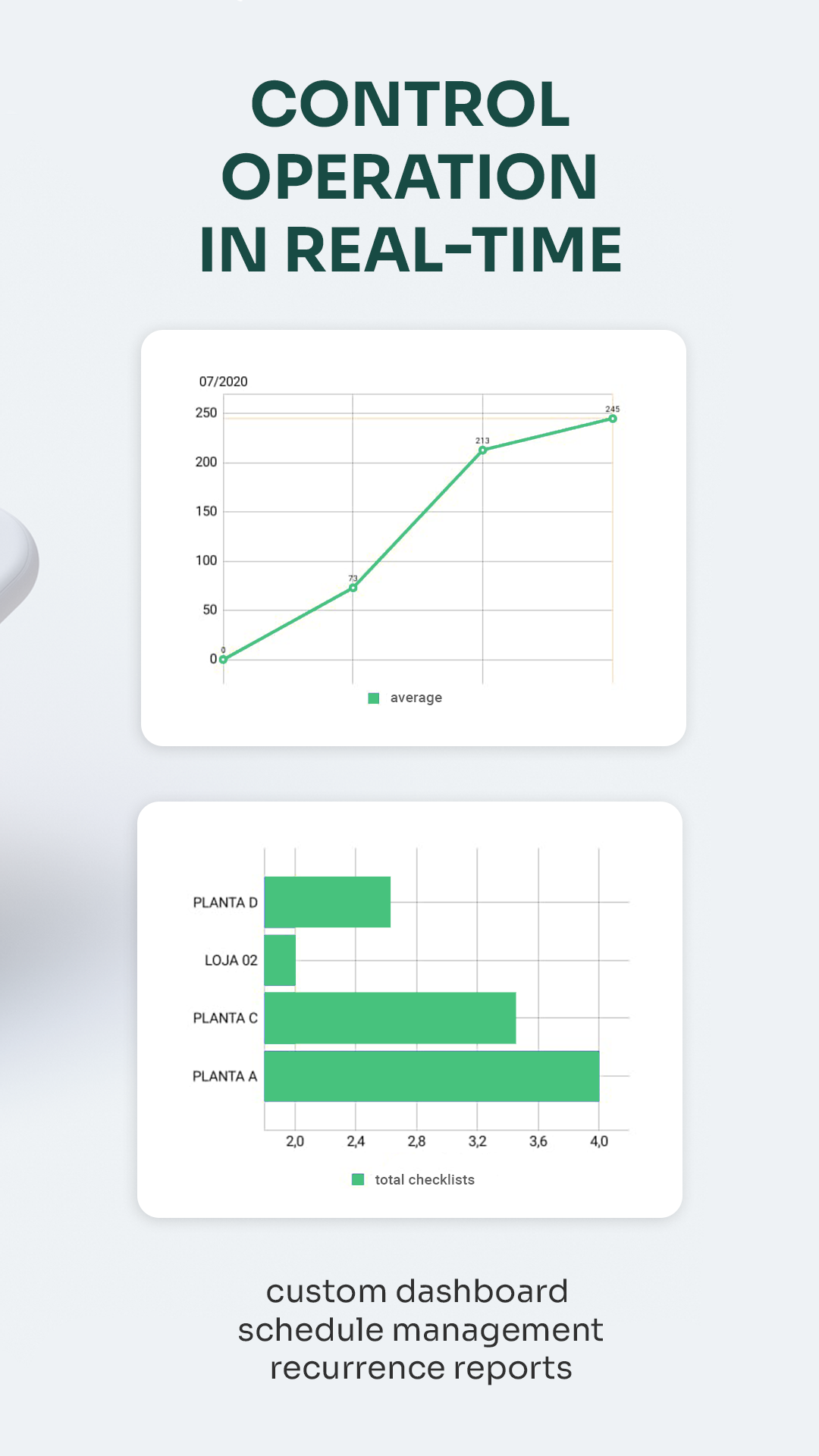
Checklist Facil is a Productivity app from Checklist Facil with the package name `br.com.rz2.checklistfacil`. The listing describes smart checklists for company operations, dynamic forms, conditional logic, image-based inspections, AI-assisted questionnaire creation, AI image recognition, workflow modules, action-plan management, IoT sensor integration, digital signatures, custom reporting, APIs, QR codes, scheduling, offline use, and more than 150 features.
Listing Profile
The local metadata shows version 3.57.0, an update date of January 30, 2026, and a release date of November 20, 2017. Installs are listed at 500,000+ with a score around 4.35 from 23,641 ratings. The app is free in the metadata, with no in-app purchase flag, no ad-supported flag, and five screenshots.
Business Operations Fit
Checklist Facil is aimed at organizations rather than casual personal lists. Quality teams, logistics operations, occupational safety staff, environmental inspectors, restaurant managers, and field auditors can use structured checklists to reduce missed steps. Its value comes from turning repeated inspections into measurable records.
Smart Checklist Design
Conditional logic and image-based checks are important because real inspections are not always linear. A failed item may require photos, a follow-up question, a signature, or an action plan. Good checklist design can reduce errors; poor design can create rushed tapping that captures data without improving the actual process.
AI And Image Recognition
The listing promotes AI questionnaire generation and visual inspection through image recognition. Those features may save time when building forms or reviewing visual evidence, but organizations should validate accuracy in their own environment. A warehouse shelf, safety sign, machine part, or sanitation photo may be interpreted differently depending on lighting, angle, and business rules.
Offline And Field Work
Offline functionality is a key requirement for inspections in factories, delivery routes, construction sites, rural facilities, and storage areas with poor signal. Reviewers should check whether forms, photos, signatures, QR scans, and pending actions sync cleanly after reconnecting. Conflict handling matters when multiple workers inspect the same site.
Workflow And Accountability
Action-plan management, workflow modules, digital signatures, and custom reports make the app useful for accountability. A non-conformity can be assigned, tracked, and measured. Users should confirm role permissions, audit trails, report exports, and whether managers can see enough context to make decisions without overwhelming field teams.
Privacy And Enterprise Data
Operational checklists may include employee names, location data, safety incidents, customer locations, equipment photos, environmental records, and internal process issues. The app links to a privacy policy. Companies should review data residency, retention, API access, integrations, and administrator controls before deploying it across teams.
Review Checks
Confirm the package `br.com.rz2.checklistfacil`, developer name, current version, privacy policy, offline sync behavior, AI feature limits, image recognition accuracy, reporting exports, QR code use, digital signatures, and API access. Recent reviews should be checked for sync conflicts, login issues, photo upload failures, form performance, and support quality.
FungoApp Review View
Checklist Facil deserves a business-grade review. The APK page should explain its inspection workflow value, offline field reliability, AI validation concerns, accountability tools, and the privacy duties that come with collecting operational evidence across a company.
FungoApp review for Checklist Fácil
Checklist Fácil by Checklist Fácil is listed in Productivity. This page organizes the available metadata into a practical review format, including version 3.57.0, Android requirement not listed, update date Jan 31, 2026, rating 4.4 out of 5, and install signal 500,000+.
Compare Android productivity apps by looking at task, note, file, calendar, sync, offline, and collaboration features alongside permission and account requirements. For Checklist Fácil, use the details below as a checklist before you decide whether the app fits your device, privacy expectations, and use case.
Install decision context for Checklist Fácil
Checklist Fácil is best reviewed as a Productivity listing from Checklist Fácil, not as a direct APK file from FungoApp. The current signals show version 3.57.0, Android requirement not listed, last update Jan 31, 2026, rating 4.4 out of 5, install signal 500,000+, and monetization that does not list ads in the current data and does not list in-app purchases in the current data. Use those signals together: a popular listing can still be a poor fit if the permissions, update age, or account requirements do not match your intended use.
Use-case fit analysis
Checklist Fácil is presented around this purpose: "Smart checklists: more efficiency and agile decisions" A good fit is more likely when that purpose matches the category, screenshots, version history, and the kind of access the app requests. If you only need a narrow task, compare this listing with simpler alternatives before leaving FungoApp for the external source.
Permissions and privacy interpretation
Checklist Fácil does not include a permission list in the current FungoApp data. That missing field reduces review confidence, so readers should check the Android install prompt and source listing before using personal data or granting sensitive access.
Version and update interpretation
The listing shows version 3.57.0, updated Jan 31, 2026, package size not listed, and Android requirement not listed. Newer updates can indicate maintenance, but the practical question is whether the listed Android requirement fits your device and whether recent changes explain why the app needs its current permissions and storage footprint.
Screenshot review prompts
Checklist Fácil includes 5 screenshots in the current listing data. Use them to confirm the interface, account prompts, ads, paywalls, editing tools, game style, or workflow before you open the source page. Screenshots are evidence of presentation, not independent proof of package behavior.
Use case fit
Checklist Fácil is summarized as: "Smart checklists: more efficiency and agile decisions" Compare that promise with the screenshots, category, update notes, and related apps before installing.
Version and compatibility
The listing shows version 3.57.0, Android requirement not listed, package size not listed, and last update Jan 31, 2026. These details matter because older devices, large packages, and stale updates can change the install experience.
Privacy and permissions
Checklist Fácil does not include a permission list in the current metadata, so review the source listing and Android install prompt carefully.
Review checklist
- Confirm the developer name and source listing before installing.
- Review version, Android requirement, package size, and update date.
- Compare requested permission access with the feature you actually need.
- Read recent change notes and ratings as signals, not as guarantees of safety.
Comparison prompts
- Compare Checklist Fácil's developer and source link with other Productivity options before installing.
- Check whether version 3.57.0 and Android not listed match your device.
- Review the source listing carefully because FungoApp does not currently have a permission list for this app.
- Compare against related listings such as ZENTRA Utility and Honeywell Device Utility for feature scope and privacy tradeoffs.
Publisher notes
- FungoApp organizes public listing metadata into review notes and comparison checklists for Checklist Fácil.
- FungoApp does not host the APK file, modify the app package, or claim independent file verification from the current data.
- The 4.4 rating is positive, though rating volume and recent reviews should be checked on the source listing before treating it as a strong quality signal. 500,000+ installs provide a modest adoption signal; compare it with category fit and developer transparency.
Developer-provided description
Rely on a solution designed to save you time and enable data-driven decisions, trusted by industry leaders such as Unilever, Toyota, Domino’s, DHL, Saint-Gobain, Femsa, and over 2,000 other brands.
Start your free trial today and discover how Checklist Fácil can significantly boost your results!
Explore some of our key features:
Smart Checklists
Create dynamic forms with conditional logic, image-based checklists, customizable templates, and more.
Artificial Intelligence (AI)
Generate comprehensive questionnaires in seconds to streamline operations, enhance performance, and improve quality control.
Smart Response (AI Image Recognition)
Automate data capture with AI image recognition, enabling accurate visual inspections and reducing inspection time by up to 60%.
Workflow Automation
Integrate teams and processes within a unified platform using Workflow Modules, automating routine tasks and ensuring process adherence.
Action Plan Management
Address and resolve non-conformities, track performance outcomes, reduce costs through process optimization, and centralize team communication.
IoT Sensor Integration
Automate data collection from IoT (Internet of Things) devices, enabling real-time monitoring, proactive issue resolution, and maximized productivity.
Additional features include:
Departmentalization, Digital Signatures, AI Image Recognition, Offline Functionality, Custom Reporting, API Integrations, QR Code Integration, Scheduling, and much more!
Requirements (Latest version)
Android requirement is not listed in the current metadata.


