

Video Preview




About this listing
Zoho Sheet: Spreadsheet App is listed with version, update, developer, screenshots, permissions, source, and compatibility details from the available app metadata.
APK and source facts
Before you install
- Android requirement is not listed in the current data.
- Package size is not listed in the current data.
- The source link points to a Google Play listing.
Listing evidence
Zoho Sheet: Spreadsheet App includes version 2026.01.23, last update Jan 28, 2026, 18 screenshots, privacy policy link in the current metadata.
The current metadata notes that permission list is not available.
FungoApp review for Zoho Sheet: Spreadsheet App
Zoho Sheet: Spreadsheet App by Zoho Corporation is listed in Productivity. This page organizes the available metadata into a practical review format, including version 2026.01.23, Android requirement not listed, update date Jan 28, 2026, rating 3.9 out of 5, and install signal 500,000+.
Compare Android productivity apps by looking at task, note, file, calendar, sync, offline, and collaboration features alongside permission and account requirements. For Zoho Sheet: Spreadsheet App, use the details below as a checklist before you decide whether the app fits your device, privacy expectations, and use case.
Install decision context for Zoho Sheet: Spreadsheet App
Zoho Sheet: Spreadsheet App is best reviewed as a Productivity listing from Zoho Corporation, not as a direct APK file from FungoApp. The current signals show version 2026.01.23, Android requirement not listed, last update Jan 28, 2026, rating 3.9 out of 5, install signal 500,000+, and monetization that does not list ads in the current data and does not list in-app purchases in the current data. Use those signals together: a popular listing can still be a poor fit if the permissions, update age, or account requirements do not match your intended use.
Use-case fit analysis
Zoho Sheet: Spreadsheet App is presented around this purpose: "Work on spreadsheets—Excel-compatible and with offline support." A good fit is more likely when that purpose matches the category, screenshots, version history, and the kind of access the app requests. If you only need a narrow task, compare this listing with simpler alternatives before leaving FungoApp for the external source.
Permissions and privacy interpretation
Zoho Sheet: Spreadsheet App does not include a permission list in the current FungoApp data. That missing field reduces review confidence, so readers should check the Android install prompt and source listing before using personal data or granting sensitive access.
Version and update interpretation
The listing shows version 2026.01.23, updated Jan 28, 2026, package size not listed, and Android requirement not listed. Newer updates can indicate maintenance, but the practical question is whether the listed Android requirement fits your device and whether recent changes explain why the app needs its current permissions and storage footprint.
Screenshot review prompts
Zoho Sheet: Spreadsheet App includes 18 screenshots in the current listing data. Use them to confirm the interface, account prompts, ads, paywalls, editing tools, game style, or workflow before you open the source page. Screenshots are evidence of presentation, not independent proof of package behavior.
Use case fit
Zoho Sheet: Spreadsheet App is summarized as: "Work on spreadsheets—Excel-compatible and with offline support." Compare that promise with the screenshots, category, update notes, and related apps before installing.
Version and compatibility
The listing shows version 2026.01.23, Android requirement not listed, package size not listed, and last update Jan 28, 2026. These details matter because older devices, large packages, and stale updates can change the install experience.
Privacy and permissions
Zoho Sheet: Spreadsheet App does not include a permission list in the current metadata, so review the source listing and Android install prompt carefully.
Review checklist
- Confirm the developer name and source listing before installing.
- Review version, Android requirement, package size, and update date.
- Compare requested permission access with the feature you actually need.
- Read recent change notes and ratings as signals, not as guarantees of safety.
Comparison prompts
- Compare Zoho Sheet: Spreadsheet App's developer and source link with other Productivity options before installing.
- Check whether version 2026.01.23 and Android not listed match your device.
- Review the source listing carefully because FungoApp does not currently have a permission list for this app.
- Compare against related listings such as Zoho Projects and Zoho Show: Presentation Maker for feature scope and privacy tradeoffs.
Publisher notes
- FungoApp organizes public listing metadata into review notes and comparison checklists for Zoho Sheet: Spreadsheet App.
- FungoApp does not host the APK file, modify the app package, or claim independent file verification from the current data.
- The 3.9 rating suggests readers should compare recent reviews, alternatives, and the app's stated purpose carefully. 500,000+ installs provide a modest adoption signal; compare it with category fit and developer transparency.
Developer-provided description
As a standalone spreadsheet application, we don't ask you to link your credit or debit cards and introduce hidden costs later—it's a fully free experience.
You only need to sign up if you want to work online. Prefer working offline? Get started right away—no signup needed.
With Zoho Sheet, you can:
1. Create spreadsheets from scratch and manage them completely within the app.
2. Access files in the cloud or work offline on your device as needed.
3. Open and edit MS Excel files (XLSX, XLS, XLSM, and XLTM), as well as CSV, TSV, ODS, and more stored on your device and cloud apps like Box and DropBox.
4. Create spreadsheets for bills, invoices, and receipts using Data from Picture. Just scan your paper records and turn them into spreadsheets in seconds.
5. Set up your timesheets, budget spreadsheets and more in no time using our ready-made spreadsheet templates.
6. Share your spreadsheets with collaborators, set different permission levels, and work together in real time.
7. Add comments—at a cell or range level—and use @mentions to tag collaborators for improved teamwork.
8. Ensure accurate data entry with various data validation tools.
Format your cells with all the fundamental tools, sort and filter, and apply conditional formatting.
9. Crunch numbers with more than 350 functions and formulas—from VLOOKUP and XLOOKUP to IF and more.
10. Visualize your findings with more than 35 types of charts.
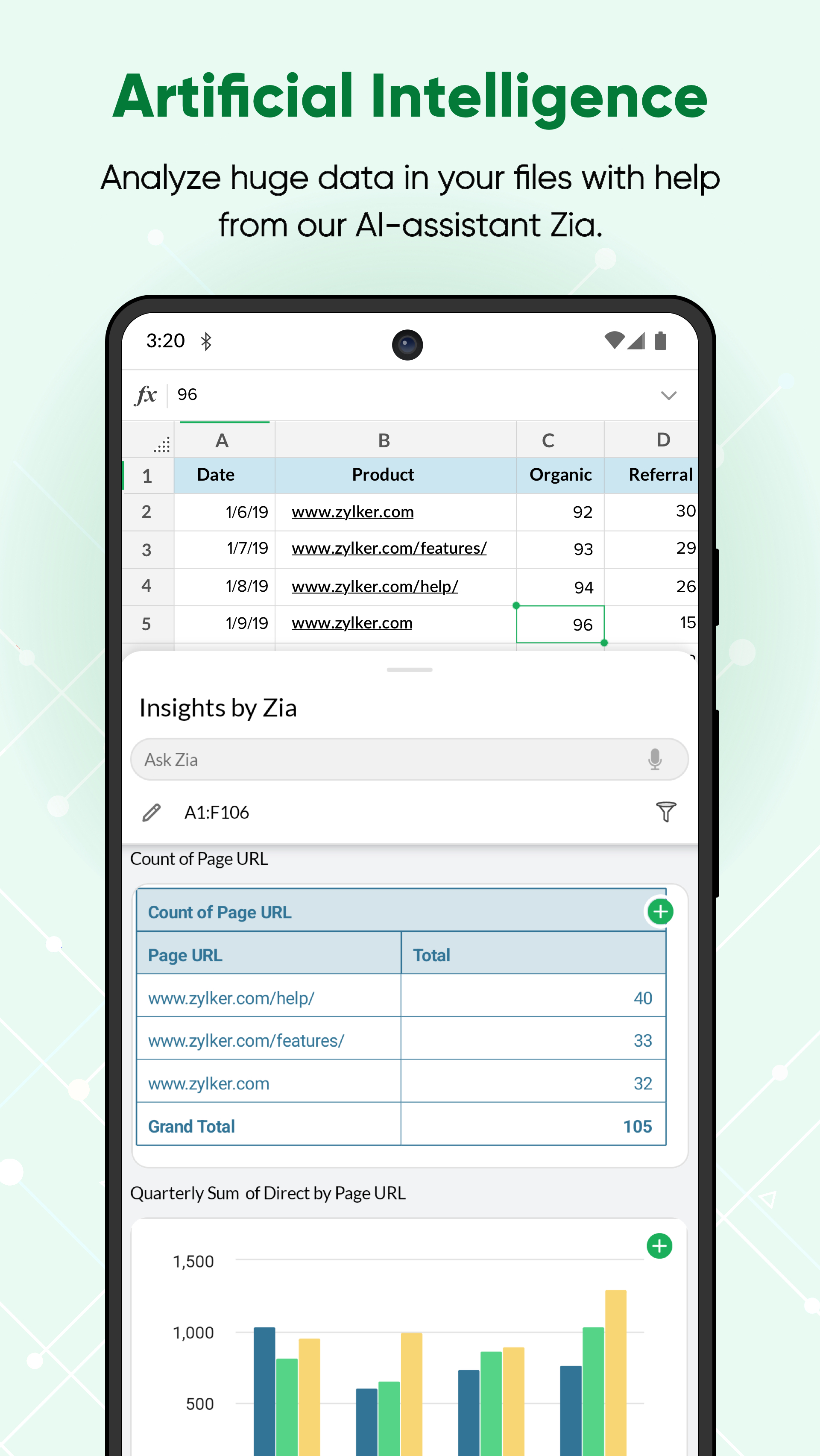
11. Let Zia, our in-house artificial intelligence, do the heavy lifting—get smart data analysis suggestions, automatically generate charts and pivot tables, and even ask questions using voice commands.
12. Rest assured that every bit of work you do is saved automatically and securely.
Keep your data in sync across platforms
Zoho Sheet is also available on the web and iOS. The best part? The data syncs instantaneously and automatically, so you can switch between platforms anytime.
Zoho's privacy promise
Respecting your privacy has always been central to our philosophy as a company. In our history of 25+ years, we have never sold our users' information to anyone for advertising or earned revenue by showing third-party ads. Your spreadsheet data stays yours.
The Zoho advantage for businesses
Zoho Sheet is the spreadsheet software in the Zoho office suite, which also includes Zoho Writer for word processing and Zoho Show for presentations. When you sign up for Zoho Sheet, you get a variety of tools to create and manage your sheets, presentations, and word documents in one place. It's also part of Zoho WorkDrive, an online file storage and collaboration tool and, Zoho Workplace, an email and collaboration suite.
Zoho's single sign-on account makes it easier to access all the Zoho apps you need. Our ecosystem currently offers 55+ apps across business categories—sales, marketing, email and collaboration, finance, HR, and more.
For more details visit: https://www.zoho.com/sheet/mobile.html
If you have questions before you try the app or while using it, please write to us at [email protected].
Requirements (Latest version)
Android requirement is not listed in the current metadata.


