






About this listing
Video Player Subtitle Support is listed with version, update, developer, screenshots, permissions, source, and compatibility details from the available app metadata.
APK and source facts
Before you install
- Android requirement is not listed in the current data.
- Package size is not listed in the current data.
- The source link points to a Google Play listing.
Listing evidence
Video Player Subtitle Support includes version 1.9.9.1, last update Nov 19, 2024, 24 screenshots, privacy policy link in the current metadata.
The current metadata notes that permission list is not available.
FungoApp review for Video Player Subtitle Support
Video Player Subtitle Support by Galaxy studio apps is listed in Video Players & Editors. This page organizes the available metadata into a practical review format, including version 1.9.9.1, Android requirement not listed, update date Nov 19, 2024, rating 3.5 out of 5, and install signal 1,000,000+.
Browse Android app listings with metadata, source links, version details, compatibility notes, screenshots, and permission signals that help you compare apps before installing. For Video Player Subtitle Support, use the details below as a checklist before you decide whether the app fits your device, privacy expectations, and use case.
Install decision context for Video Player Subtitle Support
Video Player Subtitle Support is best reviewed as a Video Players & Editors listing from Galaxy studio apps, not as a direct APK file from FungoApp. The current signals show version 1.9.9.1, Android requirement not listed, last update Nov 19, 2024, rating 3.5 out of 5, install signal 1,000,000+, and monetization that contains ads and offers in-app purchases. Use those signals together: a popular listing can still be a poor fit if the permissions, update age, or account requirements do not match your intended use.
Use-case fit analysis
Video Player Subtitle Support is presented around this purpose: "Video Player supports subtitles, all video formats, streaming & closed captions." A good fit is more likely when that purpose matches the category, screenshots, version history, and the kind of access the app requests. If you only need a narrow task, compare this listing with simpler alternatives before leaving FungoApp for the external source.
Permissions and privacy interpretation
Video Player Subtitle Support does not include a permission list in the current FungoApp data. That missing field reduces review confidence, so readers should check the Android install prompt and source listing before using personal data or granting sensitive access.
Version and update interpretation
The listing shows version 1.9.9.1, updated Nov 19, 2024, package size not listed, and Android requirement not listed. Newer updates can indicate maintenance, but the practical question is whether the listed Android requirement fits your device and whether recent changes explain why the app needs its current permissions and storage footprint.
Screenshot review prompts
Video Player Subtitle Support includes 24 screenshots in the current listing data. Use them to confirm the interface, account prompts, ads, paywalls, editing tools, game style, or workflow before you open the source page. Screenshots are evidence of presentation, not independent proof of package behavior.
Use case fit
Video Player Subtitle Support is summarized as: "Video Player supports subtitles, all video formats, streaming & closed captions." Compare that promise with the screenshots, category, update notes, and related apps before installing.
Version and compatibility
The listing shows version 1.9.9.1, Android requirement not listed, package size not listed, and last update Nov 19, 2024. These details matter because older devices, large packages, and stale updates can change the install experience.
Privacy and permissions
Video Player Subtitle Support does not include a permission list in the current metadata, so review the source listing and Android install prompt carefully.
Review checklist
- Confirm the developer name and source listing before installing.
- Review version, Android requirement, package size, and update date.
- Compare requested permission access with the feature you actually need.
- Read recent change notes and ratings as signals, not as guarantees of safety.
Comparison prompts
- Compare Video Player Subtitle Support's developer and source link with other Video Players & Editors options before installing.
- Check whether version 1.9.9.1 and Android not listed match your device.
- Review the source listing carefully because FungoApp does not currently have a permission list for this app.
- Compare against related listings such as Video Maker & Photo Music and Calculator - photo vault for feature scope and privacy tradeoffs.
Publisher notes
- FungoApp organizes public listing metadata into review notes and comparison checklists for Video Player Subtitle Support.
- FungoApp does not host the APK file, modify the app package, or claim independent file verification from the current data.
- The 3.5 rating suggests readers should compare recent reviews, alternatives, and the app's stated purpose carefully. 1,000,000+ installs indicate broad usage, which helps with discovery but does not prove the package is appropriate for every device or privacy expectation.
Developer-provided description
▶️📽️4K All Format Video Player: The Ultimate Media Experience📽️▶️
Elevate your video playback experience with 4K All Format Video Player, the most versatile and reliable app for all your viewing needs.Whether you want to enjoy your favorite movies, watch educational content, or review personal recordings, this app provides smooth performance and unmatched features.
Packed with support for media player subtitles, high-quality playback, and an easy-to-use interface, it’s the perfect companion for video enthusiasts.
All Format Support
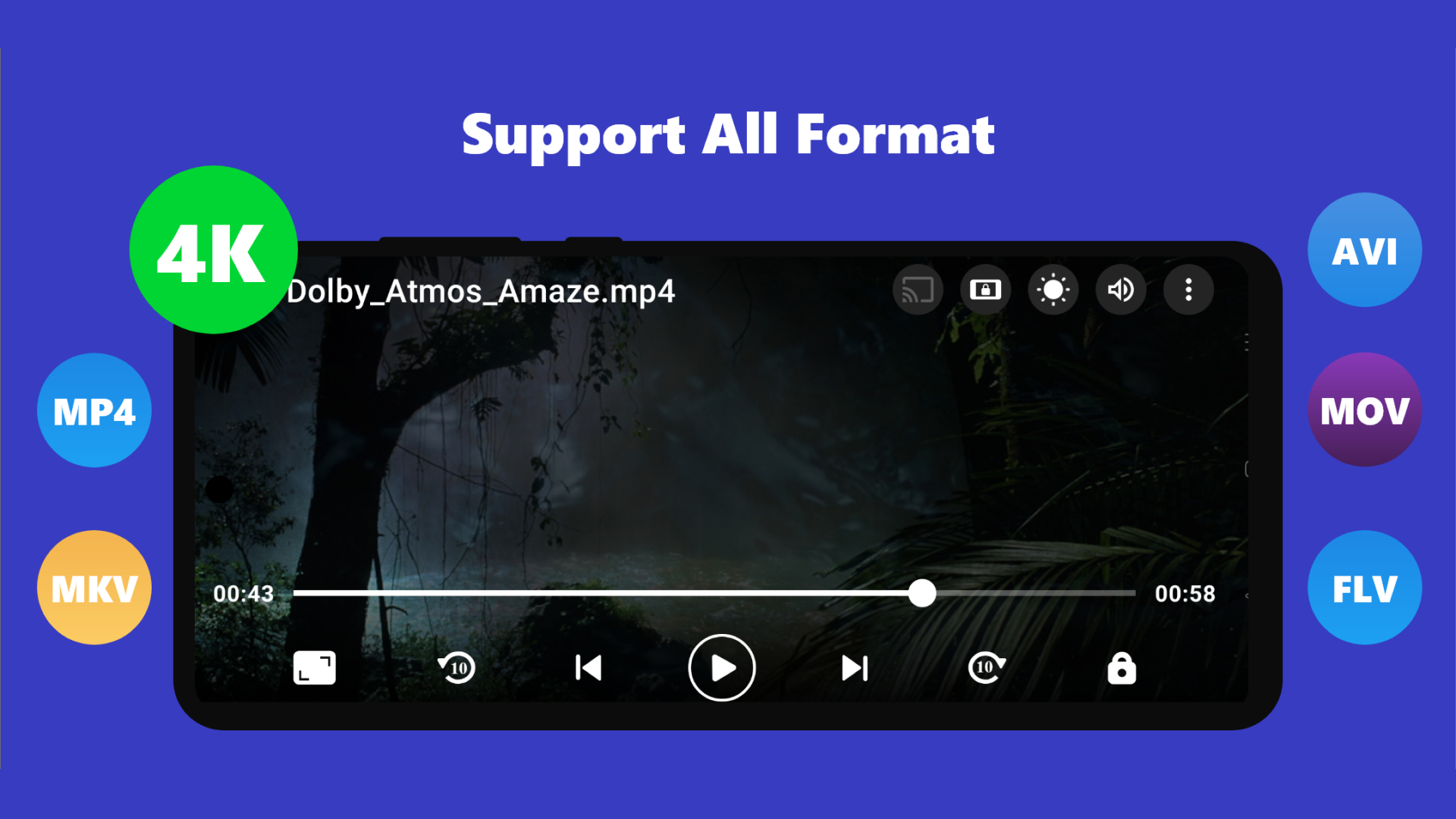
This 4K video player plays almost every file type, including MP4, MKV, AVI, MOV, FLV, 3GP, and beyond. Designed for modern viewing, it delivers crystal-clear playback for all resolutions, including HD, Full HD, and Ultra HD 4K. With the all format video player, you never have to worry about compatibility issues again.
Seamless Subtitle Integration
Watch content in any language with comprehensive subtitle features. The app supports video English subtitles, external SRT files, and more. It automatically detects subtitle files in your storage and syncs them seamlessly. For those who enjoy foreign films, this media player subtitles feature ensures you never miss a moment.
4K All Format Video Player Top Features:
▶️Plays All Video Formats: From 3GP to Ultra HD 4K, this all video player easily handles all file types.
▶️Hardware Acceleration: Boost playback performance with HW+ decoding for smoother video streaming.
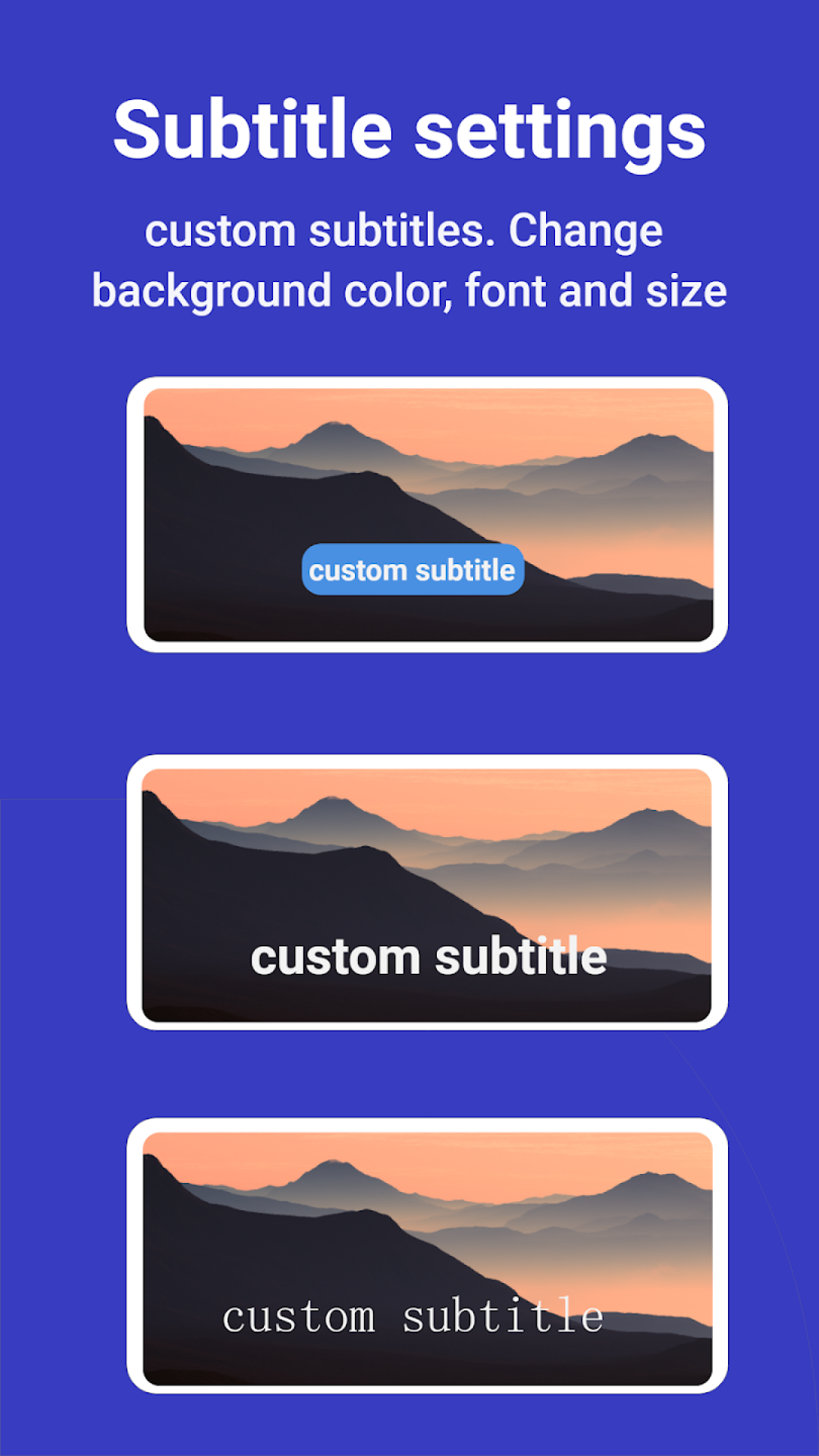
▶️Subtitle Customization: Use external files or embedded subtitles, including Teletext and closed captions.
▶️Flexible Playback Controls: Adjust playback speed (from 0.5x to 2x), screen rotation, and aspect ratios for the ideal viewing setup.
▶️Offline Video Player: No internet? No problem. This offline video player lets you enjoy your downloaded files anytime.
▶️Gesture-Friendly Controls: Quickly tweak brightness, volume, and playback progress with intuitive gestures.
More Than Just a Video Player
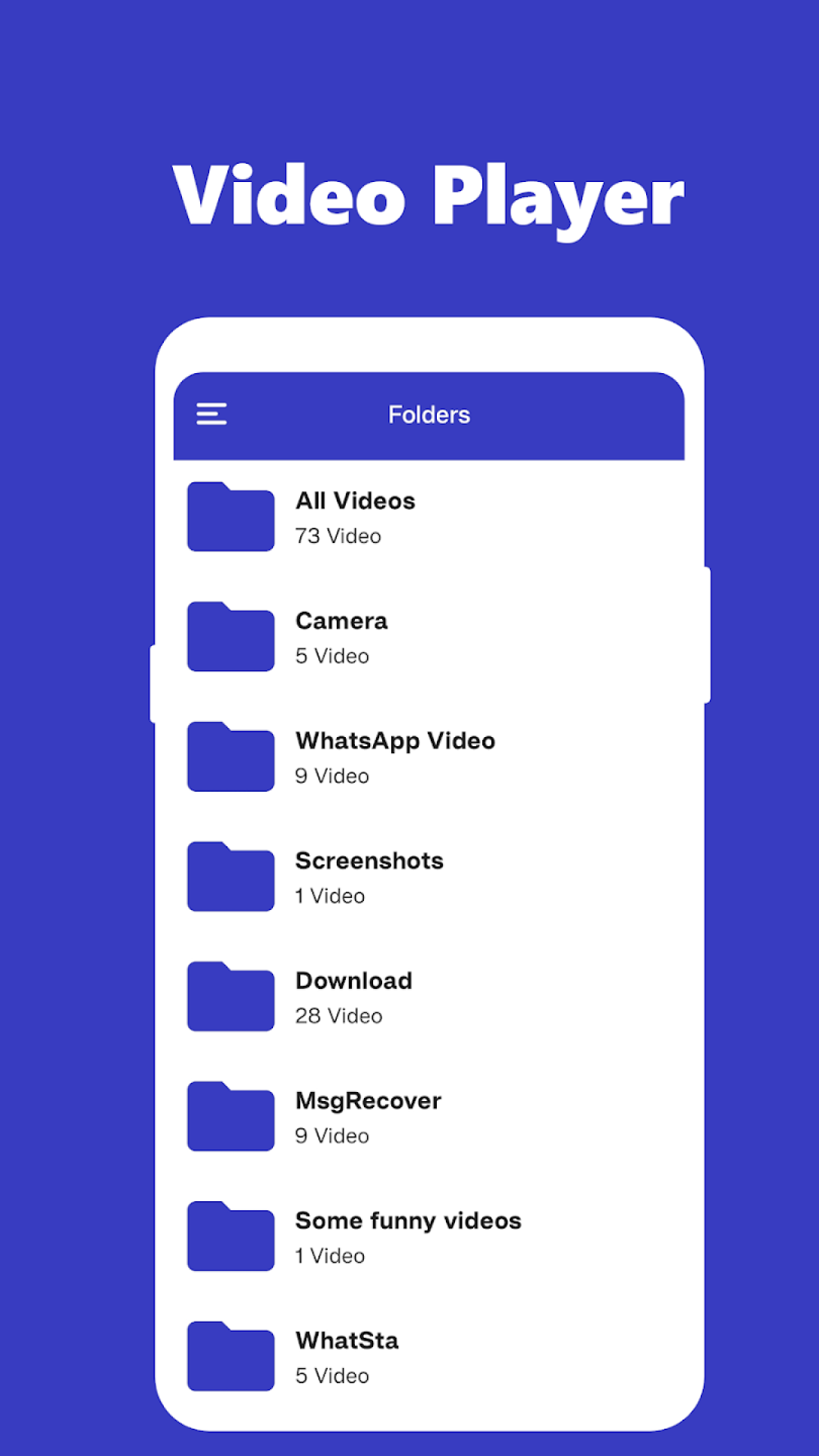
The 4K video player doubles as a powerful library organizer. It automatically detects and catalogs video files stored on your device and SD card so you can instantly find and play them. For an even better experience, cast your content to a larger screen using Chromecast support.
4K All Format Video Player is Perfect for Movie Lovers
This app is a dream come true for cinema enthusiasts. As a premium movie player, it ensures top-notch video quality and immersive sound. Its night mode reduces eye strain during late-night viewing sessions, while its slow-motion feature lets you relive your favorite moments frame by frame.
Choose 4K All Format Video Player!
📽️Unmatched Versatility: A true video player all format, perfect for any video format and resolution.
📽️Offline Playback: Use it as an offline video player for uninterrupted entertainment anywhere.
📽️Media Player Subtitles: Enjoy full control over subtitle options for a better viewing experience.
📽️Movie Player Excellence: Watch your favorite films in stunning quality with easy-to-use controls.
Get Started Today!
Download 4K All Format Video Player now and transform how you watch videos and movies, whether you need a robust movie player or a reliable offline video player.
Don’t miss out—unlock the power of the best video player in all formats in the Video Players & Editors category. With support for all formats, seamless media player subtitles, and unmatched performance, this app is the only tool you’ll need to play video anytime, anywhere.
Download now and discover the next level of video entertainment with 4K All Format Video Player!
Requirements (Latest version)
Android requirement is not listed in the current metadata.


