




This is third-party app info. Not affiliated with the developer.
PowerLine - smart indicators in your status bar or anywhere on your screen even on the lock screen!
NEW: Punch hole pie chart!
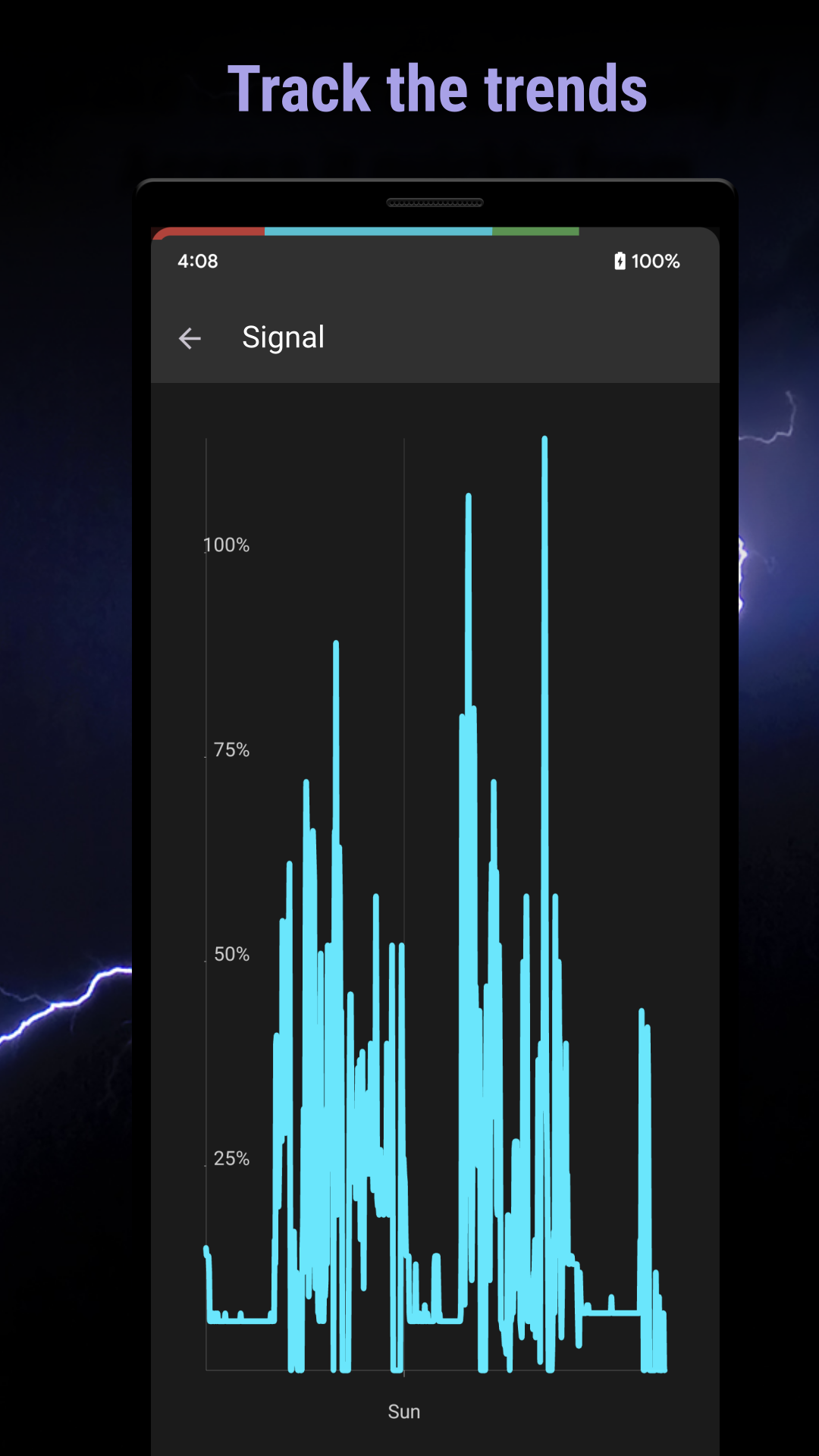
Indicators ready to use: Battery: Capacity, Drain, Charging speed, Temperature, CPU, Memory, Signal, WiFi, Phone usage, Bedtime, Storage, SMS, Missed calls, Network usage, Compass, Barometer, Humidity, Volume, Screen corners, Monthly / Daily Data usage and more...
NEW: Indicators on lock screen and navbar with Accessibility service
Features
- Any number of indicators at the same time on screen
- Auto-hide in fullscreen
- Material design
- Simplicity
FREE version with two indicators, more indicators with the PRO version.
Tasker: you can create your own indicator with Tasker, just use the following:
package: com.urbandroid.inline, action: com.urbandroid.inline.ACTION_UPDATE, extra: value (0-100) or valuef (0.0-1.0)..
Accessibility Service
In order be able to draw indicators also over the navbar and on lock screen "PowerLine" may ask you to enable its Accessibility Service if you decide to use the cheating protection features. We use this service only to show the indicators in the areas which are normally inaccessible for an app. We do not use the service to collect any personal information.
NEW: Punch hole pie chart!
Indicators ready to use: Battery: Capacity, Drain, Charging speed, Temperature, CPU, Memory, Signal, WiFi, Phone usage, Bedtime, Storage, SMS, Missed calls, Network usage, Compass, Barometer, Humidity, Volume, Screen corners, Monthly / Daily Data usage and more...
NEW: Indicators on lock screen and navbar with Accessibility service
Features
- Any number of indicators at the same time on screen
- Auto-hide in fullscreen
- Material design
- Simplicity
FREE version with two indicators, more indicators with the PRO version.
Tasker: you can create your own indicator with Tasker, just use the following:
package: com.urbandroid.inline, action: com.urbandroid.inline.ACTION_UPDATE, extra: value (0-100) or valuef (0.0-1.0)..
Accessibility Service
In order be able to draw indicators also over the navbar and on lock screen "PowerLine" may ask you to enable its Accessibility Service if you decide to use the cheating protection features. We use this service only to show the indicators in the areas which are normally inaccessible for an app. We do not use the service to collect any personal information.
Requirements (Latest version)
• Requires Android 5.0 or higher
Information about PowerLine: Status bar meters Varies with device
Basic Information
Content RatingEveryone
Developer Contact
Security & Privacy
AdvertisingNo ads
Download Information
Downloads693.4K
ReleasedJun 11, 2013
Last UpdatedDec 11, 2025
File TypeAPK


