




About this listing
Norton Cleaner – Junk removal is listed with version, update, developer, screenshots, permissions, source, and compatibility details from the available app metadata.
APK and source facts
Before you install
- Android requirement is not listed in the current data.
- Package size is not listed in the current data.
- The source link points to a Google Play listing.
Listing evidence
Norton Cleaner – Junk removal includes version 25.21.0.800011284, last update Jan 28, 2026, 8 screenshots, privacy policy link in the current metadata.
The current metadata notes that permission list is not available.
FungoApp review for Norton Cleaner – Junk removal
Norton Cleaner – Junk removal by NortonMobile is listed in Tools. This page organizes the available metadata into a practical review format, including version 25.21.0.800011284, Android requirement not listed, update date Jan 28, 2026, rating 4.6 out of 5, and install signal 5,000,000+.
Browse Android utility apps by comparing the task they solve, device permissions, offline behavior, update history, and whether the tool is simple enough for repeated use. For Norton Cleaner – Junk removal, use the details below as a checklist before you decide whether the app fits your device, privacy expectations, and use case.
Install decision context for Norton Cleaner – Junk removal
Norton Cleaner – Junk removal is best reviewed as a Tools listing from NortonMobile, not as a direct APK file from FungoApp. The current signals show version 25.21.0.800011284, Android requirement not listed, last update Jan 28, 2026, rating 4.6 out of 5, install signal 5,000,000+, and monetization that does not list ads in the current data and offers in-app purchases. Use those signals together: a popular listing can still be a poor fit if the permissions, update age, or account requirements do not match your intended use.
Use-case fit analysis
Norton Cleaner – Junk removal is presented around this purpose: "Clean up your photo library. Delete junk and clutter. Optimize your device." A good fit is more likely when that purpose matches the category, screenshots, version history, and the kind of access the app requests. If you only need a narrow task, compare this listing with simpler alternatives before leaving FungoApp for the external source.
Permissions and privacy interpretation
Norton Cleaner – Junk removal does not include a permission list in the current FungoApp data. That missing field reduces review confidence, so readers should check the Android install prompt and source listing before using personal data or granting sensitive access.
Version and update interpretation
The listing shows version 25.21.0.800011284, updated Jan 28, 2026, package size not listed, and Android requirement not listed. Newer updates can indicate maintenance, but the practical question is whether the listed Android requirement fits your device and whether recent changes explain why the app needs its current permissions and storage footprint.
Screenshot review prompts
Norton Cleaner – Junk removal includes 8 screenshots in the current listing data. Use them to confirm the interface, account prompts, ads, paywalls, editing tools, game style, or workflow before you open the source page. Screenshots are evidence of presentation, not independent proof of package behavior.
Use case fit
Norton Cleaner – Junk removal is summarized as: "Clean up your photo library. Delete junk and clutter. Optimize your device." Compare that promise with the screenshots, category, update notes, and related apps before installing.
Version and compatibility
The listing shows version 25.21.0.800011284, Android requirement not listed, package size not listed, and last update Jan 28, 2026. These details matter because older devices, large packages, and stale updates can change the install experience.
Privacy and permissions
Norton Cleaner – Junk removal does not include a permission list in the current metadata, so review the source listing and Android install prompt carefully.
Review checklist
- Confirm the developer name and source listing before installing.
- Review version, Android requirement, package size, and update date.
- Compare requested permission access with the feature you actually need.
- Read recent change notes and ratings as signals, not as guarantees of safety.
Comparison prompts
- Compare Norton Cleaner – Junk removal's developer and source link with other Tools options before installing.
- Check whether version 25.21.0.800011284 and Android not listed match your device.
- Review the source listing carefully because FungoApp does not currently have a permission list for this app.
- Compare against related listings such as Norton360 Antivirus & Security and Norton VPN – Fast & Secure for feature scope and privacy tradeoffs.
Publisher notes
- FungoApp organizes public listing metadata into review notes and comparison checklists for Norton Cleaner – Junk removal.
- FungoApp does not host the APK file, modify the app package, or claim independent file verification from the current data.
- The 4.6 rating with 251,905 rating entries is a useful popularity signal, but it should still be checked against update date, permissions, and the source listing. 5,000,000+ installs indicate broad usage, which helps with discovery but does not prove the package is appropriate for every device or privacy expectation.
Developer-provided description
Already subscribed? Just sign in to access your subscription at no extra cost.
Norton Cleaner is a clean-up app that will help you reclaim storage space on your Android device by cleaning junk and removing residual files.
Don’t have enough storage to take more pictures or install apps? Norton, the world's leading cyber security software provider, now sweeps your memory cache and storage clean of residual and junk files to remove clutter from your Android device.
Keep your Android device running like new. Your phone is more than just a device—it’s your connection to family, friends, and memories. Norton Utilities Ultimate for Android helps you keep it running smoothly by freeing up space and optimizing its performance.
Install Norton Cleaner app cleaner to remove junk and free up space on your Android device:
✔ Clean and clear cache
✔ Tidy up your photos
✔ Identify and remove junk, APK, and residual files
✔ Free up memory
✔ Manage apps and get rid of bloatware
✔ Set it and forget it with Auto-Cleaning
--------------------------------------------------
NORTON CLEANER FEATURES
✸ Deep Clean
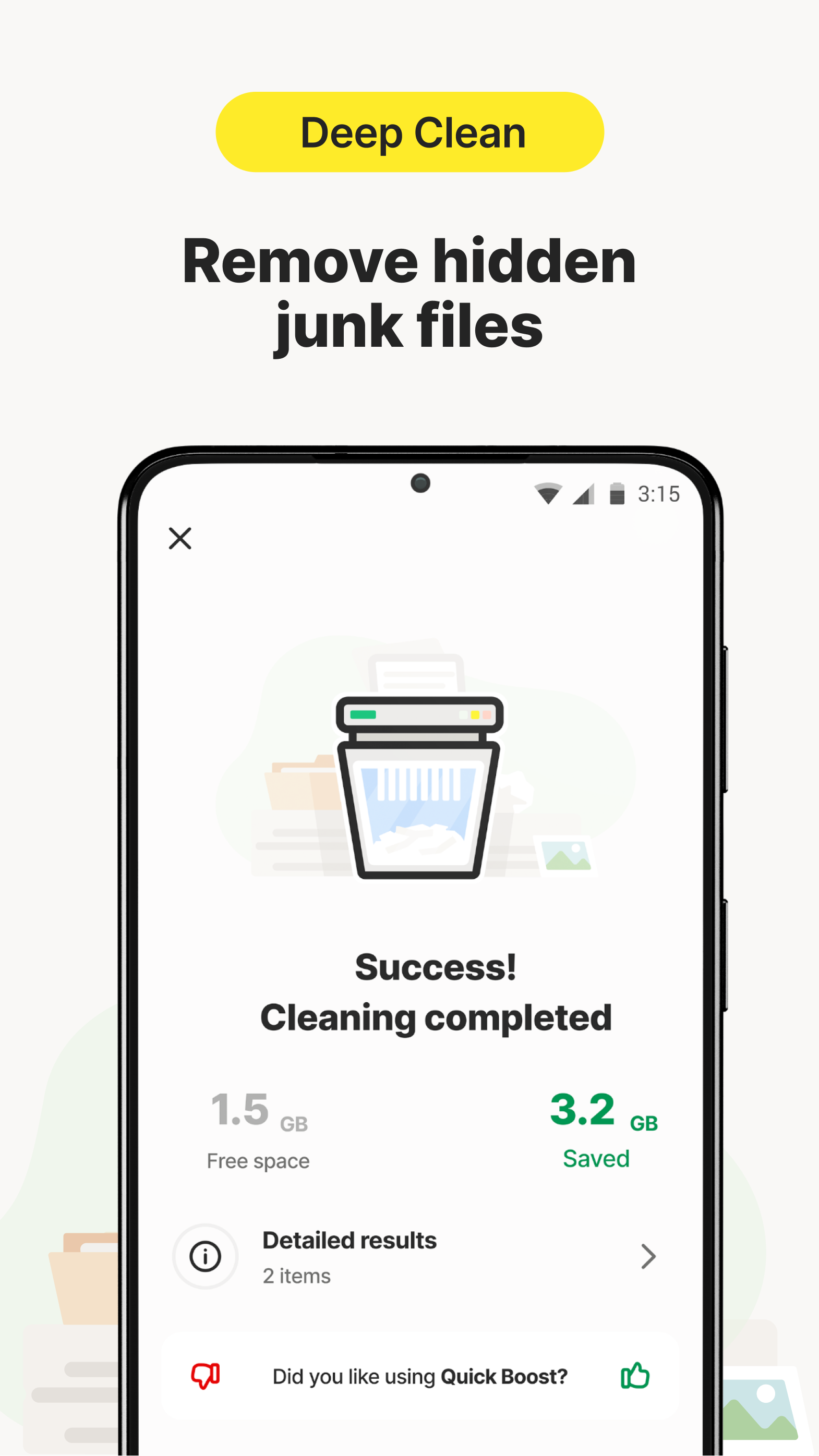
◦ Deep clean to free up more space: Remove hidden junk files to regain storage space for what matters to you.
◦ Works as a cache cleaner that helps clean residual cache system files often left by uninstalled apps.
◦ Includes junk remover / storage cleaner that helps analyze, cleanup and safely remove the junk files that take up your memory and storage space.
◦ Works as an app cleaner that helps you clean cache for individual apps.
✸ Browser Cleaner
◦ Boost privacy with browser cleaning
◦ Clear browsing history, including cache and downloads folder, to improve your privacy and make it harder to track your online activity
✸ Auto Cleaning
◦ Auto-clean your device to reclaim more space
◦ Schedule custom cleaning to automatically remove junk files, photos, and downloads. Set it up once, then relax, knowing that we’ve got you covered
✸ Media Overview
◦ Clean up your media library
◦ Find and delete unwanted, bad, duplicate, or similar photos, images, screenshots, and large videos. If your photos are too precious to remove, compress them
✸ Photo Optimizer
◦ Compress photos to save storage
◦ Free up space by compressing large photos that are too precious to be removed
✸ Sleep Mode
◦ Optimize your device for important tasks by turning off unused apps and their notifications
✸ Apps Overview
◦ Find and stop draining apps
◦ Find, turn off, or remove apps you don’t use and factory-reset preinstalled bloatware that keep stealing your space and performance
✸ Custom dashboard
◦ Keep favorite actions close
◦ Personalize your dashboard with custom shortcuts for quick access to your favorite actions and info
✸ Quick Clean
◦ One-tap cleanup for instant results
◦ Scan your Android device and quickly identify clutter you can remove across multiple categories
This app uses Accessibility permission to assist disabled and other users stop all background apps with just one tap.
Requirements (Latest version)
Android requirement is not listed in the current metadata.


