

Video Preview



About this listing
Samsung Smart Switch Mobile is listed with version, update, developer, screenshots, permissions, source, and compatibility details from the available app metadata.
APK and source facts
Before you install
- Android requirement is not listed in the current data.
- Package size is not listed in the current data.
- The source link points to a Google Play listing.
Listing evidence
Samsung Smart Switch Mobile includes version 3.7.68.6, last update Oct 29, 2025, 13 screenshots, privacy policy link in the current metadata.
The current metadata notes that permission list is not available.
FungoApp review for Samsung Smart Switch Mobile
Samsung Smart Switch Mobile by Samsung Electronics Co., Ltd. is listed in Tools. This page organizes the available metadata into a practical review format, including version 3.7.68.6, Android requirement not listed, update date Oct 29, 2025, rating 3.8 out of 5, and install signal 1,000,000,000+.
Browse Android utility apps by comparing the task they solve, device permissions, offline behavior, update history, and whether the tool is simple enough for repeated use. For Samsung Smart Switch Mobile, use the details below as a checklist before you decide whether the app fits your device, privacy expectations, and use case.
Install decision context for Samsung Smart Switch Mobile
Samsung Smart Switch Mobile is best reviewed as a Tools listing from Samsung Electronics Co., Ltd., not as a direct APK file from FungoApp. The current signals show version 3.7.68.6, Android requirement not listed, last update Oct 29, 2025, rating 3.8 out of 5, install signal 1,000,000,000+, and monetization that does not list ads in the current data and does not list in-app purchases in the current data. Use those signals together: a popular listing can still be a poor fit if the permissions, update age, or account requirements do not match your intended use.
Use-case fit analysis
Samsung Smart Switch Mobile is presented around this purpose: "If you can't download, you can open Smart Switch from device's Settings menu" A good fit is more likely when that purpose matches the category, screenshots, version history, and the kind of access the app requests. If you only need a narrow task, compare this listing with simpler alternatives before leaving FungoApp for the external source.
Permissions and privacy interpretation
Samsung Smart Switch Mobile does not include a permission list in the current FungoApp data. That missing field reduces review confidence, so readers should check the Android install prompt and source listing before using personal data or granting sensitive access.
Version and update interpretation
The listing shows version 3.7.68.6, updated Oct 29, 2025, package size not listed, and Android requirement not listed. Newer updates can indicate maintenance, but the practical question is whether the listed Android requirement fits your device and whether recent changes explain why the app needs its current permissions and storage footprint.
Screenshot review prompts
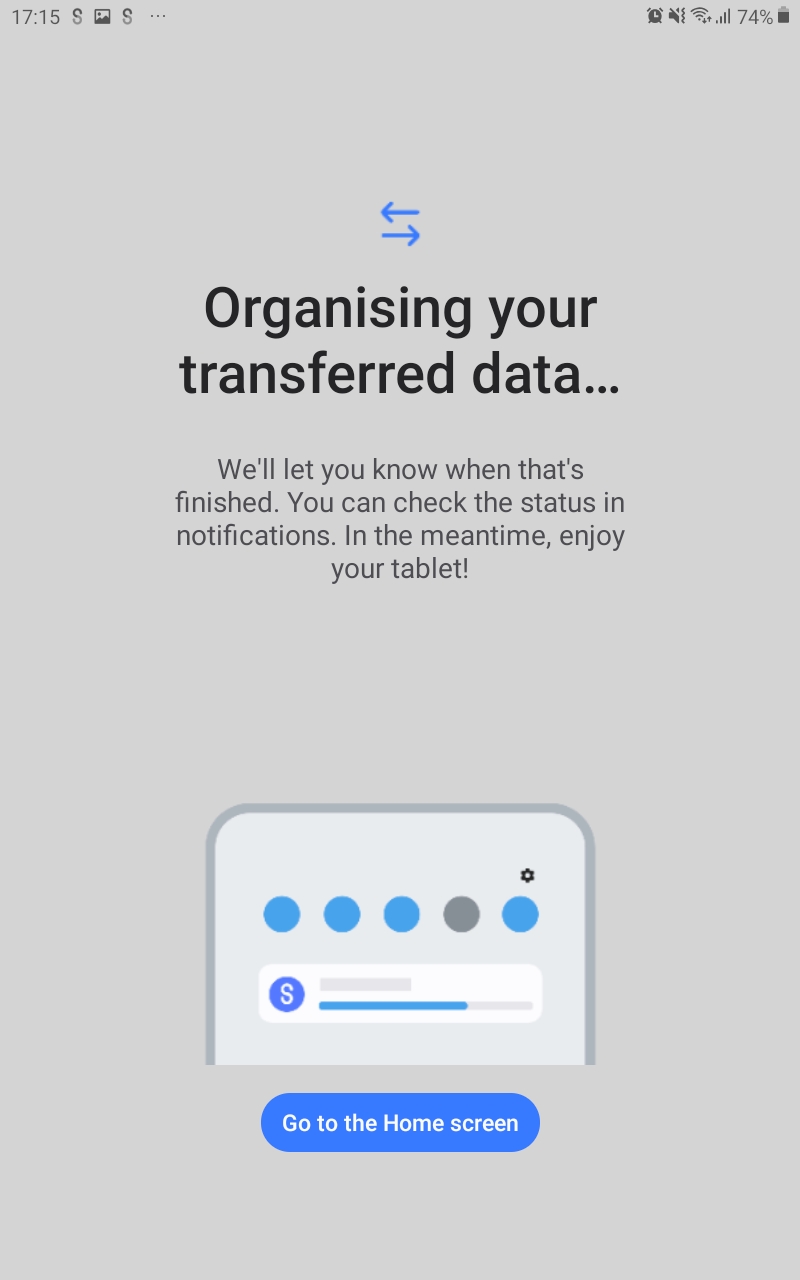
Samsung Smart Switch Mobile includes 13 screenshots in the current listing data. Use them to confirm the interface, account prompts, ads, paywalls, editing tools, game style, or workflow before you open the source page. Screenshots are evidence of presentation, not independent proof of package behavior.
Use case fit
Samsung Smart Switch Mobile is summarized as: "If you can't download, you can open Smart Switch from device's Settings menu" Compare that promise with the screenshots, category, update notes, and related apps before installing.
Version and compatibility
The listing shows version 3.7.68.6, Android requirement not listed, package size not listed, and last update Oct 29, 2025. These details matter because older devices, large packages, and stale updates can change the install experience.
Privacy and permissions
Samsung Smart Switch Mobile does not include a permission list in the current metadata, so review the source listing and Android install prompt carefully.
Review checklist
- Confirm the developer name and source listing before installing.
- Review version, Android requirement, package size, and update date.
- Compare requested permission access with the feature you actually need.
- Read recent change notes and ratings as signals, not as guarantees of safety.
Comparison prompts
- Compare Samsung Smart Switch Mobile's developer and source link with other Tools options before installing.
- Check whether version 3.7.68.6 and Android not listed match your device.
- Review the source listing carefully because FungoApp does not currently have a permission list for this app.
- Compare against related listings such as Samsung Members and Samsung Calculator for feature scope and privacy tradeoffs.
Publisher notes
- FungoApp organizes public listing metadata into review notes and comparison checklists for Samsung Smart Switch Mobile.
- FungoApp does not host the APK file, modify the app package, or claim independent file verification from the current data.
- The 3.8 rating suggests readers should compare recent reviews, alternatives, and the app's stated purpose carefully. 1,000,000,000+ installs indicate broad usage, which helps with discovery but does not prove the package is appropriate for every device or privacy expectation.
Developer-provided description
▣ Who can transfer?
• Android™ owners
- Android 5.0 or higher
• iOS™ owners - use the option that’s best for you:
- Wired transfer from your iOS device to your Galaxy: iOS 5.0 or above, iOS device cable (lightning or 30 pin), and a USB connector
- Import from iCloud™: iOS 4.2.1 or higher and Apple ID
- PC/Mac transfer using iTunes™: Smart Switch PC/Mac software – Get started http://www.samsung.com/smartswitch
▣ What can be transferred?
- Contacts, calendar(Device content only), messages, photos, music (DRM free content only, Not supported for iCloud), videos (DRM free content only), call logs, memos, alarms, Wi-Fi, wallpapers, documents, app data (Galaxy devices only), home layouts (Galaxy devices only)
- You can send app data and home layouts by upgrading your Galaxy device to M OS (Galaxy S6 or higher).
▣ Which devices are supported?
• Galaxy: Recent Galaxy mobile devices and tablets (From Galaxy S2)
• Other Android devices:
- HTC, LG, Sony, Huawei, Lenovo, Motorola, PANTECH, Panasonic, Kyocera, NEC, SHARP, Fujitsu, Xiaomi, Vivo, OPPO, Coolpad, RIM, YotaPhone, ZTE, Gionee, LAVA, MyPhone, Cherry Mobile, Google
* For reasons such as compatibility between devices, it may not be possible to install and use Smart Switch on certain devices.
1. To transfer data, both devices must have a minimum of 500 MB free space in their internal memory.
2. If you have a non-Samsung device that constantly disconnects from the wireless network, go to Advanced Wi-Fi on your device, turn off the “Wi-Fi initialize” and “Disconnect low Wi-Fi signal” options, and try again.
(The options described above may not be available, depending on your device manufacturer and OS version.)
The following permissions are required for the app service. For optional permissions, the default functionality of the service is turned on, but not allowed.
[ Required permissions ]
. Phone: Used to confirm your phone number (Android 12 or lower)
. Call logs: Used to transfer call log data (Android 9 or higher)
. Contacts: Used to transfer contacts data
. Calendar: Used to transfer calendar data
. Camera: Used to scan QR codes to connect to Galaxy phones and tablets
. SMS: Used to transfer SMS data
. Storage: Used to save the files necessary for data transfer (Android 11 or lower)
. Files and media: Used to save the files necessary for data transfer(Android 12)
. Photos and Videos: Used to save the files necessary for data transfer (Android 13 or higher)
. Nearby devices: Used to search for nearby devices using Wi-Fi or Bluetooth (Android 12 or higher)
. Location: Used to connect to devices using Wi-Fi Direct, which makes your location available to nearby devices (Android 12 or lower)
. Notifications: Used to provide information about the progress of data transfers (Android 13 or higher)
If your system software version is lower than Android 6.0, please update the software to configure App permissions.
Previously allowed permissions can be reset on Apps menu in device settings after software update.
Requirements (Latest version)
Android requirement is not listed in the current metadata.


