
This is third-party app info. Not affiliated with the developer.
ROVE App – Version 5.0
What’s New
New Shop Feature: Explore and purchase ROVE products directly from within the app.
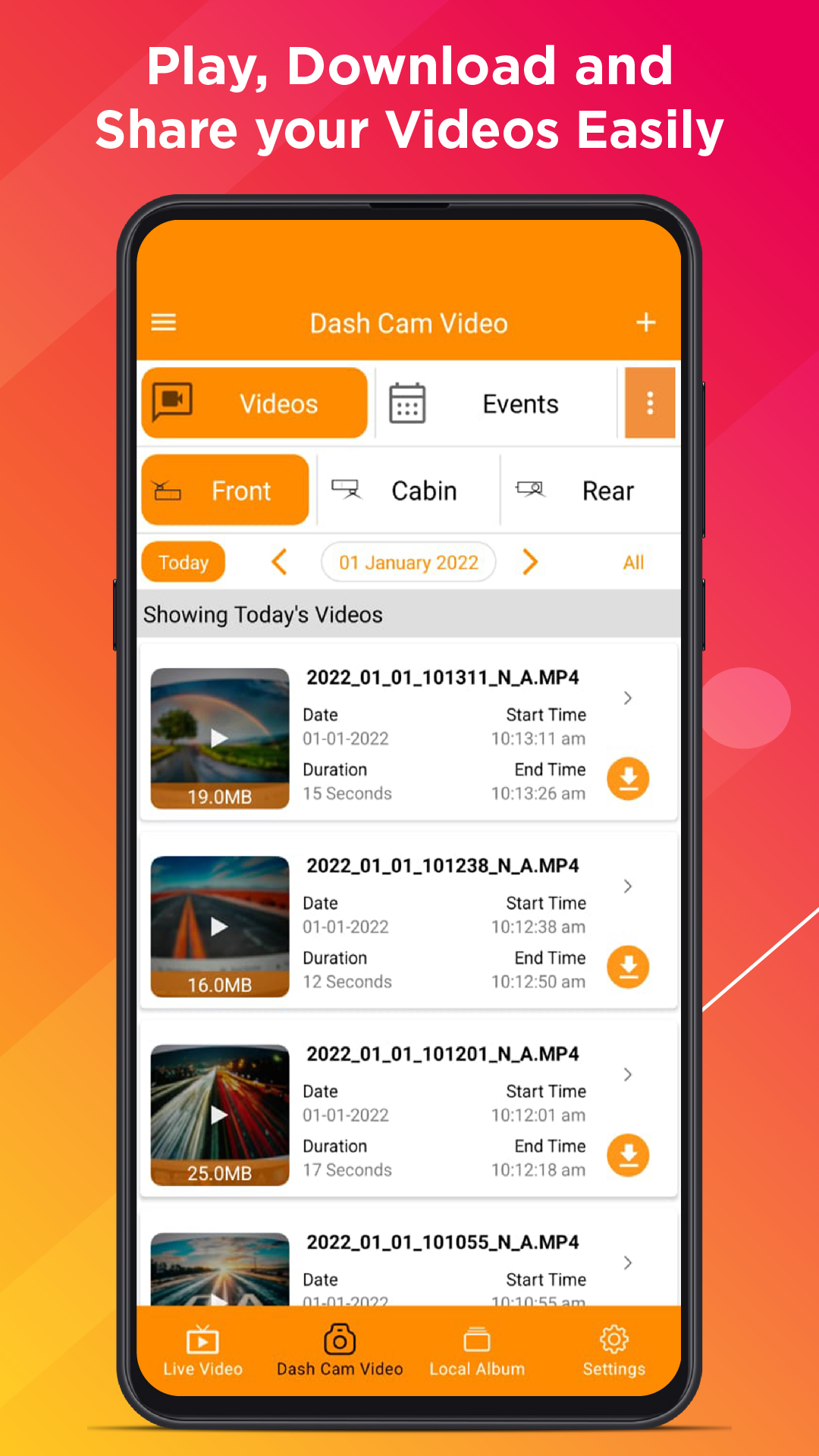
Updated Profile Page: A refreshed design makes it easier to view and manage your profile and connected dash cams.
Firmware Requirements
To enjoy full compatibility with this release, please ensure your dash cam firmware is up to date:
ROVE R2-4K PRO: R2P-10-01-2025-V12
ROVE R2-4K (New): R2-08-29-2025-V24
ROVE R2 DUAL: R2-DUAL-07-01-2025-V14
ROVE R2-4K DUAL PRO: R2DP-09-01-2025-V2
How to Update
Open the ROVE App.
Connect your dash cam.
Go to Device Settings → Firmware Update and follow the prompts.
These updates ensure optimal performance, reliability, and the latest feature enhancements for your ROVE Dash Cam.
What’s New
New Shop Feature: Explore and purchase ROVE products directly from within the app.
Updated Profile Page: A refreshed design makes it easier to view and manage your profile and connected dash cams.
Firmware Requirements
To enjoy full compatibility with this release, please ensure your dash cam firmware is up to date:
ROVE R2-4K PRO: R2P-10-01-2025-V12
ROVE R2-4K (New): R2-08-29-2025-V24
ROVE R2 DUAL: R2-DUAL-07-01-2025-V14
ROVE R2-4K DUAL PRO: R2DP-09-01-2025-V2
How to Update
Open the ROVE App.
Connect your dash cam.
Go to Device Settings → Firmware Update and follow the prompts.
These updates ensure optimal performance, reliability, and the latest feature enhancements for your ROVE Dash Cam.
Requirements (Latest version)
• Requires Android 5.0 or higher
Information about ROVE Dash Cam 5.0.4
Basic Information
Content RatingEveryone
Developer Contact
Email[email protected]
Privacy PolicyView Policy
Security & Privacy
AdvertisingNo ads
Download Information
Downloads232.3K
ReleasedJan 11, 2022
Last UpdatedDec 19, 2025
File TypeAPK