




About this listing
Photo Background Changer: Edit is listed with version, update, developer, screenshots, permissions, source, and compatibility details from the available app metadata.
APK and source facts
Before you install
- Android requirement is not listed in the current data.
- Package size is not listed in the current data.
- The source link points to a Google Play listing.
Listing evidence
Photo Background Changer: Edit includes version 2.1.1, last update Jul 1, 2025, 32 screenshots, privacy policy link in the current metadata.
The current metadata notes that permission list is not available.
FungoApp review for Photo Background Changer: Edit
Photo Background Changer: Edit by Photo & Video Editors - Instant Solution is listed in Photography. This page organizes the available metadata into a practical review format, including version 2.1.1, Android requirement not listed, update date Jul 1, 2025, rating 4.8 out of 5, and install signal 10,000,000+.
Browse Android app listings with metadata, source links, version details, compatibility notes, screenshots, and permission signals that help you compare apps before installing. For Photo Background Changer: Edit, use the details below as a checklist before you decide whether the app fits your device, privacy expectations, and use case.
Install decision context for Photo Background Changer: Edit
Photo Background Changer: Edit is best reviewed as a Photography listing from Photo & Video Editors - Instant Solution, not as a direct APK file from FungoApp. The current signals show version 2.1.1, Android requirement not listed, last update Jul 1, 2025, rating 4.8 out of 5, install signal 10,000,000+, and monetization that contains ads and offers in-app purchases. Use those signals together: a popular listing can still be a poor fit if the permissions, update age, or account requirements do not match your intended use.
Use-case fit analysis
Photo Background Changer: Edit is presented around this purpose: "Change background of my photo with cut out background remover, easy bg changer!" A good fit is more likely when that purpose matches the category, screenshots, version history, and the kind of access the app requests. If you only need a narrow task, compare this listing with simpler alternatives before leaving FungoApp for the external source.
Permissions and privacy interpretation
Photo Background Changer: Edit does not include a permission list in the current FungoApp data. That missing field reduces review confidence, so readers should check the Android install prompt and source listing before using personal data or granting sensitive access.
Version and update interpretation
The listing shows version 2.1.1, updated Jul 1, 2025, package size not listed, and Android requirement not listed. Newer updates can indicate maintenance, but the practical question is whether the listed Android requirement fits your device and whether recent changes explain why the app needs its current permissions and storage footprint.
Screenshot review prompts
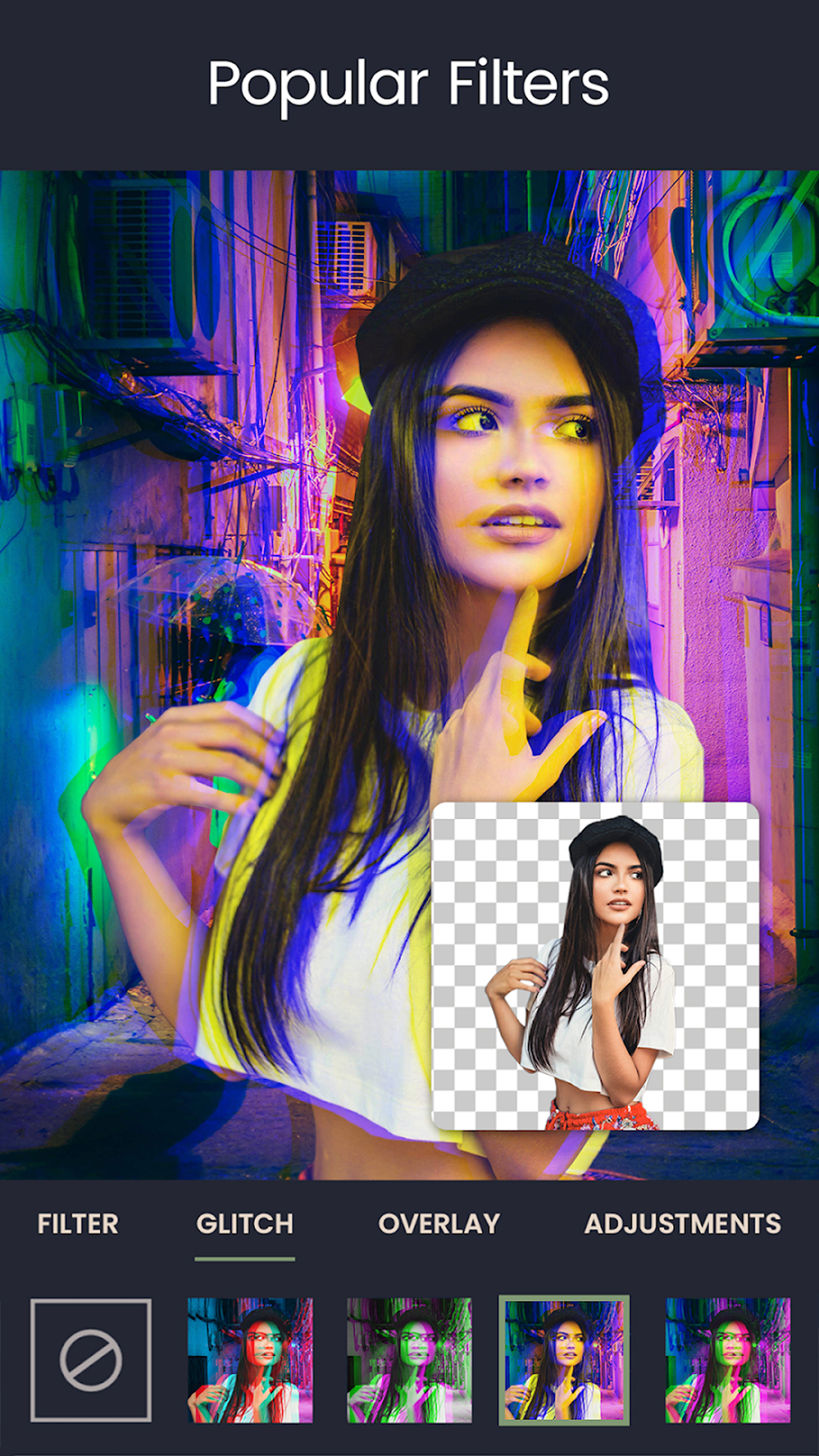
Photo Background Changer: Edit includes 32 screenshots in the current listing data. Use them to confirm the interface, account prompts, ads, paywalls, editing tools, game style, or workflow before you open the source page. Screenshots are evidence of presentation, not independent proof of package behavior.
Use case fit
Photo Background Changer: Edit is summarized as: "Change background of my photo with cut out background remover, easy bg changer!" Compare that promise with the screenshots, category, update notes, and related apps before installing.
Version and compatibility
The listing shows version 2.1.1, Android requirement not listed, package size not listed, and last update Jul 1, 2025. These details matter because older devices, large packages, and stale updates can change the install experience.
Privacy and permissions
Photo Background Changer: Edit does not include a permission list in the current metadata, so review the source listing and Android install prompt carefully.
Review checklist
- Confirm the developer name and source listing before installing.
- Review version, Android requirement, package size, and update date.
- Compare requested permission access with the feature you actually need.
- Read recent change notes and ratings as signals, not as guarantees of safety.
Comparison prompts
- Compare Photo Background Changer: Edit's developer and source link with other Photography options before installing.
- Check whether version 2.1.1 and Android not listed match your device.
- Review the source listing carefully because FungoApp does not currently have a permission list for this app.
- Compare against related listings such as Flora Photo Frame Photo Editor and Camera Effects & Photo Filters for feature scope and privacy tradeoffs.
Publisher notes
- FungoApp organizes public listing metadata into review notes and comparison checklists for Photo Background Changer: Edit.
- FungoApp does not host the APK file, modify the app package, or claim independent file verification from the current data.
- The 4.8 rating with 319,096 rating entries is a useful popularity signal, but it should still be checked against update date, permissions, and the source listing. 10,000,000+ installs indicate broad usage, which helps with discovery but does not prove the package is appropriate for every device or privacy expectation.
Developer-provided description
Photo Background Changer: Remove BG & Edit Like a Pro!
Do you want your pictures to look sophisticated? You're in luck because Photo Background Changer: Remove BG enables you to change BGs, remove objects, and execute professional edits in a few clicks. This tool can be used both as a Remove Background Eraser: BG Changer App and a Photo Background Remover: BG Remover, so you can edit your photos however you wish.Most Important Highlights of Picture Background Editor:
📸Photo Background Changer: Remove BG: Alter, remove or edit easily with this tool;
📸Remove Background Eraser: BG Changer App with easy detection tools;
📸Photo Background Remover: BG Remover and photo editor for picture-perfect edits;
📸Picture Background Editor: For replacing or changing, you can use this tool;
📸Delete Background From Photo Editor: For quick object removal, use Delete Background From Photo Editor;
📸Transparent Background Replacer: To replace the creative settings, use Photo Background Remover: BG Remover.
Modify your pictures with the help of Artificial Intelligence!
With this amazing app, erasing, replacing, and editing the BG is quite effortless. This app offers the sophisticated Remove Background Eraser BG Changer App that automatically detects objects and people so you can make adjustments to the fine details manually for a beautiful end result. Be it erasing a mess or placing a striking new setting, this BG Remover gives comprehensive control to you over your edits.Manual & Automatic Editing:🖼️
Looking for a seamless cutout? This Remove Background Eraser: BG Changer App employs AI powered selection tools to effortlessly alter or erase the BG. If you’d rather have better edges for the perfect cutout, manually fine-tune the edges. With Delete Background From Photo Editor, you can get rid of erasing unwanted areas with a simple swipe and replace the stunning backdrop.
Get Creative with Your Photos:📷
Let your edits be visible with the Transparent Background Replacer! Create stickers, product images, and even custom artistic designs while choosing to keep the original BG, or replacing it with any setting of your choice.
Use the Photo Background Changer: Remove BG:✂️
With this tool, you can effortlessly place yourself anywhere. Want added a beach self to your summer memories? Or an added a mountain backdrop to your camping pictures? You can do that now without any professional photography skills. The Remove Background Eraser: BG Change App helps you edit and modify your pictures instantly.
Remove all Unwanted Edits in Seconds:😻
Say goodbye to complex and tedious software! The Photo Background Remover: BG Remover provides you with high-quality pictures in an instant. The app makes that your image will look natural and smooth with no rough edges. Plus, with the Remove Background Eraser: BG Changer App, now, replacing, erasing and perfecting images for social media, business and personal is a breeze.
Take Your Edits One Step Further With Photo Background Changer: Remove BG
Get the Remove Background From Photo Editor for free now and take your images to the finest quality. With the Transparent Background Replacer or Quick Picture Background Editor set a new standard for effortless and efficient BG editing.Requirements (Latest version)
Android requirement is not listed in the current metadata.


