

Video Preview




About this listing
Photo Collage Maker & Editor is listed with version, update, developer, screenshots, permissions, source, and compatibility details from the available app metadata.
APK and source facts
Before you install
- Android requirement is not listed in the current data.
- Package size is not listed in the current data.
- The source link points to a Google Play listing.
Listing evidence
Photo Collage Maker & Editor includes version 4.1.9, last update Jan 20, 2026, 28 screenshots, privacy policy link in the current metadata.
The current metadata notes that permission list is not available.
FungoApp review for Photo Collage Maker & Editor
Photo Collage Maker & Editor by Firehawk is listed in Photography. This page organizes the available metadata into a practical review format, including version 4.1.9, Android requirement not listed, update date Jan 20, 2026, rating 4.8 out of 5, and install signal 100,000,000+.
Browse Android app listings with metadata, source links, version details, compatibility notes, screenshots, and permission signals that help you compare apps before installing. For Photo Collage Maker & Editor, use the details below as a checklist before you decide whether the app fits your device, privacy expectations, and use case.
Install decision context for Photo Collage Maker & Editor
Photo Collage Maker & Editor is best reviewed as a Photography listing from Firehawk, not as a direct APK file from FungoApp. The current signals show version 4.1.9, Android requirement not listed, last update Jan 20, 2026, rating 4.8 out of 5, install signal 100,000,000+, and monetization that contains ads and offers in-app purchases. Use those signals together: a popular listing can still be a poor fit if the permissions, update age, or account requirements do not match your intended use.
Use-case fit analysis
Photo Collage Maker & Editor is presented around this purpose: "Picture collage editor photo grid maker, fun pic collage maker with photo frame!" A good fit is more likely when that purpose matches the category, screenshots, version history, and the kind of access the app requests. If you only need a narrow task, compare this listing with simpler alternatives before leaving FungoApp for the external source.
Permissions and privacy interpretation
Photo Collage Maker & Editor does not include a permission list in the current FungoApp data. That missing field reduces review confidence, so readers should check the Android install prompt and source listing before using personal data or granting sensitive access.
Version and update interpretation
The listing shows version 4.1.9, updated Jan 20, 2026, package size not listed, and Android requirement not listed. Newer updates can indicate maintenance, but the practical question is whether the listed Android requirement fits your device and whether recent changes explain why the app needs its current permissions and storage footprint.
Screenshot review prompts
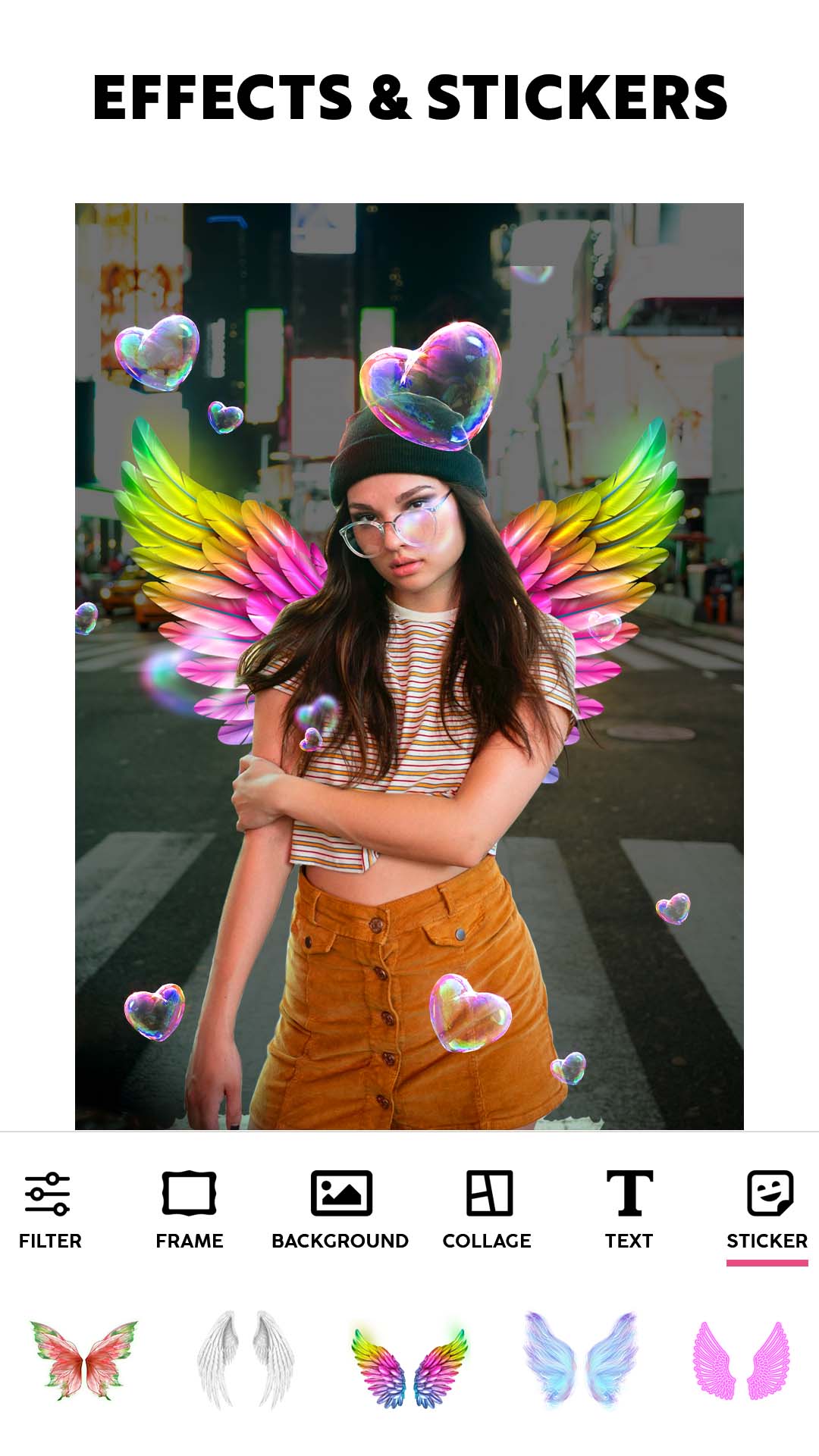
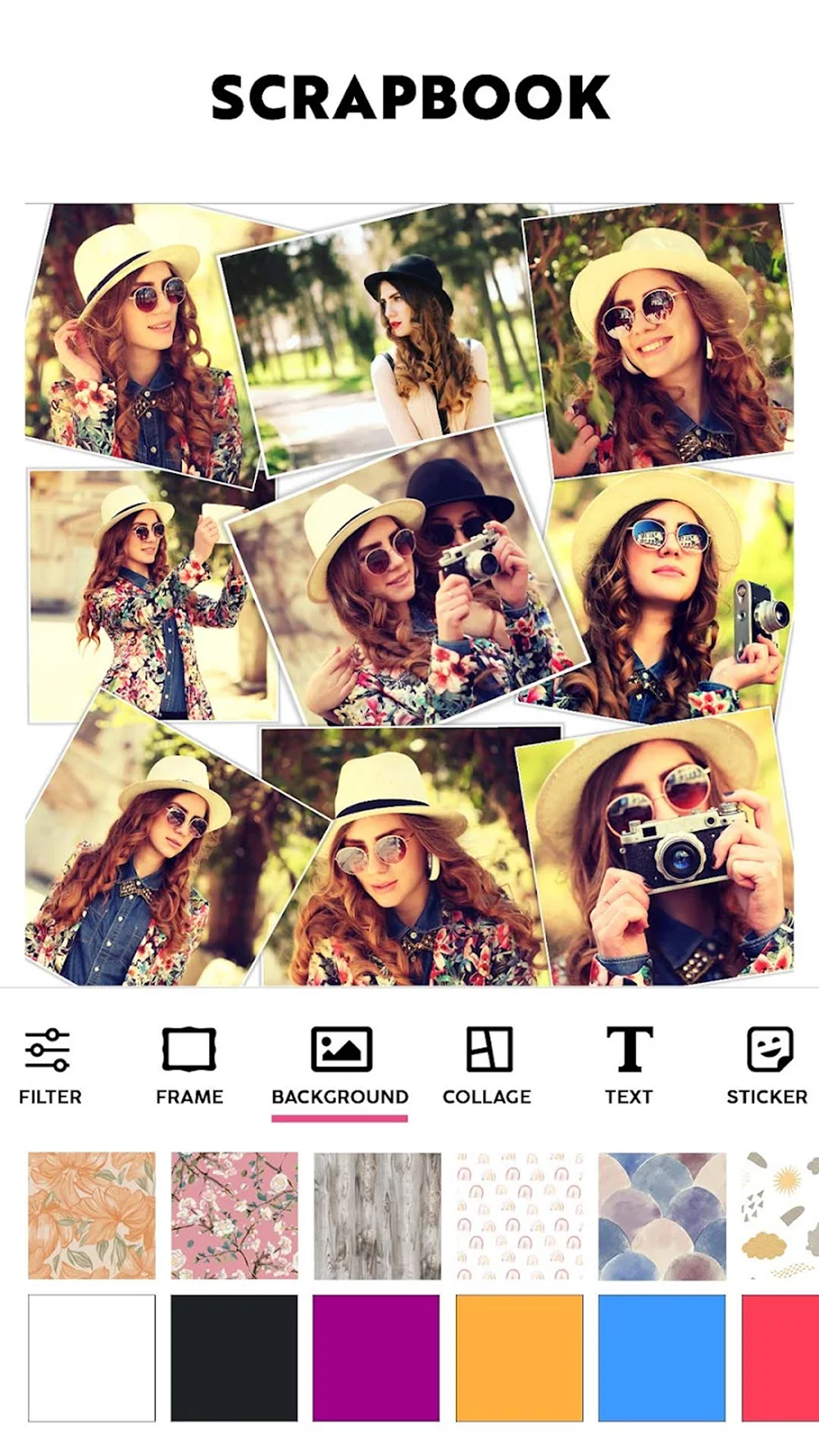
Photo Collage Maker & Editor includes 28 screenshots in the current listing data. Use them to confirm the interface, account prompts, ads, paywalls, editing tools, game style, or workflow before you open the source page. Screenshots are evidence of presentation, not independent proof of package behavior.
Use case fit
Photo Collage Maker & Editor is summarized as: "Picture collage editor photo grid maker, fun pic collage maker with photo frame!" Compare that promise with the screenshots, category, update notes, and related apps before installing.
Version and compatibility
The listing shows version 4.1.9, Android requirement not listed, package size not listed, and last update Jan 20, 2026. These details matter because older devices, large packages, and stale updates can change the install experience.
Privacy and permissions
Photo Collage Maker & Editor does not include a permission list in the current metadata, so review the source listing and Android install prompt carefully.
Review checklist
- Confirm the developer name and source listing before installing.
- Review version, Android requirement, package size, and update date.
- Compare requested permission access with the feature you actually need.
- Read recent change notes and ratings as signals, not as guarantees of safety.
Comparison prompts
- Compare Photo Collage Maker & Editor's developer and source link with other Photography options before installing.
- Check whether version 4.1.9 and Android not listed match your device.
- Review the source listing carefully because FungoApp does not currently have a permission list for this app.
- Compare against related listings such as Photo Frames: Photo Editor and Face Live Camera: Face Filters for feature scope and privacy tradeoffs.
Publisher notes
- FungoApp organizes public listing metadata into review notes and comparison checklists for Photo Collage Maker & Editor.
- FungoApp does not host the APK file, modify the app package, or claim independent file verification from the current data.
- The 4.8 rating with 1,427,080 rating entries is a useful popularity signal, but it should still be checked against update date, permissions, and the source listing. 100,000,000+ installs indicate broad usage, which helps with discovery but does not prove the package is appropriate for every device or privacy expectation.
Developer-provided description
Photo Grid: Pic Collage Maker will Transform Photos into Elaborate Artwork!
With Photo Grid: Pic Collage Maker, an all-encompassing app for merging photos alongside creative layouts, filters and project building, create stunning art pieces. This app is perfect for memory books or sharing on social media since it’s so user friendly. Making collages has never been easier or more entertaining thanks to the built-in features of Collageable: Photo Collage Maker and Photogrid: Wallpaper Collage Maker, which both streamline the process of stunning collage creation.📄Photo Collage Significant Characteristics:📄
✨ Design splendid photo layouts with Photo Grid: Pic Collage Maker;
✨ Build stunning photo layouts with Collageable: Photo Collage Maker;
✨ Beautify backgrounds using Wallpaper Collage Maker: Photogrid tools;
✨ Customize using Picstitch: Picture Collage & Photo Editor stickers and fonts;
✨ Edit freely using Photo Layout: Picture Editor & Photo Filters;
✨ Arrange images in templates using Pics Collage: Combine Photos;
✨ For a professional look, create stylish grids with Pic Stitch Image Layout!
With A Creative Layout, Capture Your Best Moments!
Change your daily photos into captivating stories with Photo Grid: Pic Collage Maker. From birthdays to holidays, you can celebrate special memories using special design tools. Photogrid: Wallpaper Collage Maker features lets you add flair using filters, borders, frames, or make artistic mosaics. Whatever your mood or event, you can instantly preview and adjust layouts.Each collage is a canvas with Collageable: Photo Collage Maker, pick numerous powerful visual message templates, modern or classic. Multiple images can be combined to one. The Photo Grid: Pic Collage Maker intuitive layout system helps you arrange your pictures in creative formats effortlessly.
Artistic Editing Made Simple: 🎨
Selfies can be taken to the next level with powerful filters and trendy effects on Picstitch: Picture Collage & Photo Editor. You can dress images using custom text and neon outlines, or apply the sketch feature to get a hand-drawn effect. For image tone, lighting, or retouching edits with a single tap, use Photo Layout: Picture Editor & Photo Filters.
Perfect Grids and Layouts: 🖼️
With Pics Collage: Combine Photos, create advanced side-by-side frames, mirror effects, and photo grids. Want bold color pop collages, or minimalist style? No problem. Pic Stitch Image Layout ensures precision. Picstitch: Picture Collage & Photo Editor is easy to use, but still give creative perfectionists the power they need.
Create and Share with Style: 🌟
Photogrid: Wallpaper Collage Maker and Photo Grid: Pic Collage Maker offer you stylish ways to show off your collages. Save in high resolution and optimally for any platform. You are covered whether it’s a memory book collage or a quick photo post.
Utilize Every Photo Layout To Its Full Potential!
You can now transform your dull pictures into breath-taking ones through Collageable: Photo Collage Maker. You may create simple and beautiful layouts for your selfies using Pic Stitch Image Layout along with their Photo Layout: Picture Editor & Photo Filters. Discover countless layout combinations with Pics Collage: Combine Photos and Photogrid: Wallpaper Collage Maker.Requirements (Latest version)
Android requirement is not listed in the current metadata.


