

This is third-party app info. Not affiliated with the developer.
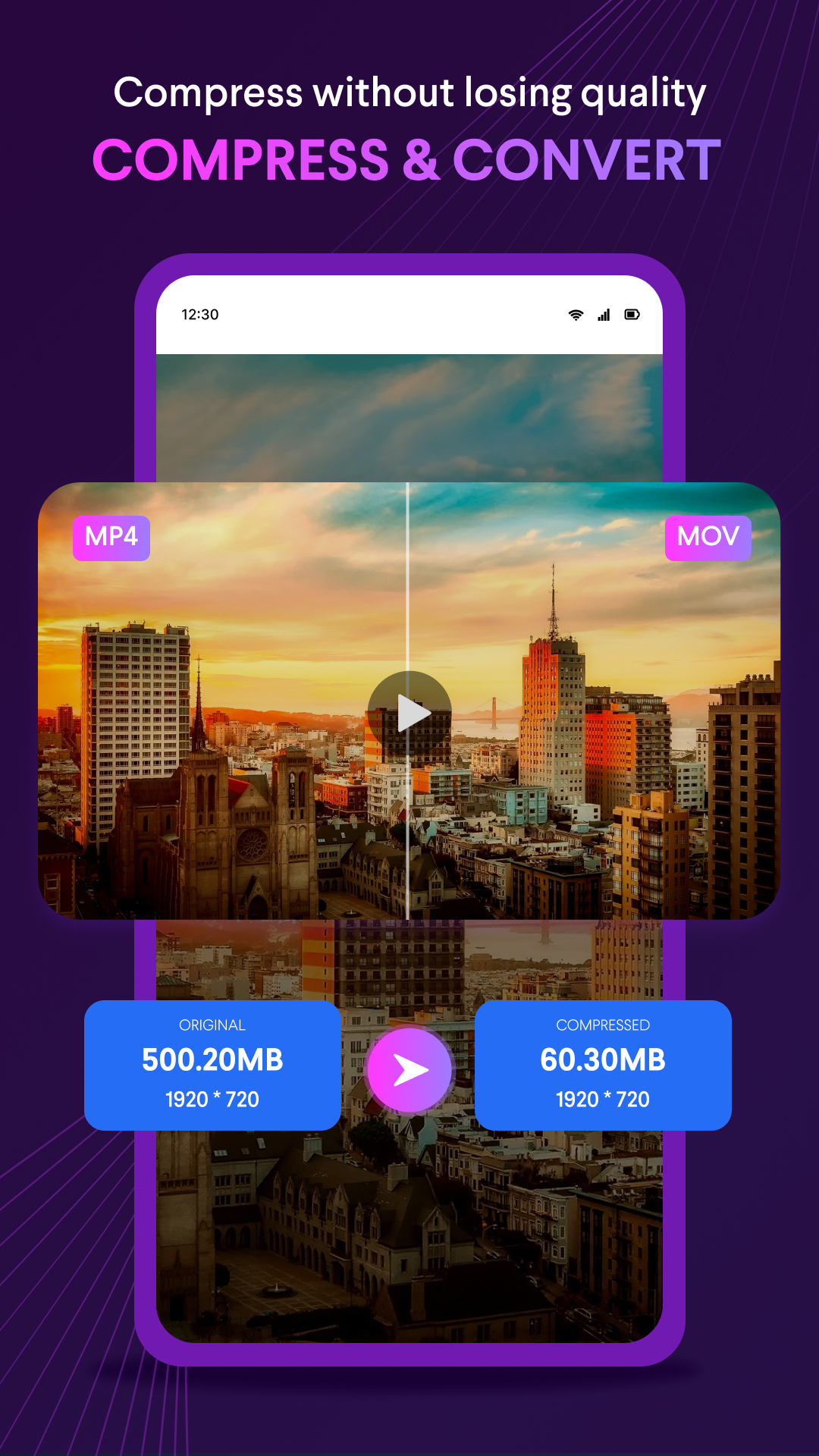
Fastest Video Converter and Compressor in the market that supports almost all video formats: MP4, MKV, AVI, 3GP, MOV, MTS, MPEG, MPG, WMV, M4V, VOB, FLV etc. This converter & compressor supports converting, compressing, changing resolution, Frame rate(FPS), bitrates of a video file. It can also convert video files into Audio formats like MP3, AAC, AC3, OGG, M4A, WAV etc.
KEY FEATURES:
🎬 Video Converter
** Convert and Compress your video to almost any video and audio formats.
Supported Formats: MP4, MKV, AVI, 3GP, FLV, MTS, M2TS, TS, MPEG, MPG, WMV, M4V, MOV, VOB, F4V, WEBM, DAV, DAT, MOVIE, MOD, MXF, LVF, H264.
Resolution: Choose from predefined 4K resolution to 240P or put any custom resolution.
Frame Rate: Choose from any predefined frame rates or put any custom frame rate.
Subtitle Track: Choose from existing subtitles tracks of the video or upload subrip, mov_text, srt, webvtt, vtt format subtitles.
Audio Track: Choose from existing audio tracks of the video to keep or add external audio tracks of mp3, aac, m4a, wav formats.
Video & Audio Codecs: We support h264, mpeg4, mpeg1, mpeg2, flv1, vp8, vp9, wmv1, wmv2, aac, mp3, mp2, ac3, opus, vorbis, flac, alac, wmav1, wmav2 video and audio codecs.
Rotate & Flip Video: Apply 90 degree clockwise/anticlockwise or 180 degree rotation and Flip videos vertically or horizontally.
Compress option:
High Quality: This compression option uses X264 codec to compress your video keeping nearly original video quality.
Video Bitrate: Reset video bitrate to compress the video to a specific size.
Batch Processing
** Users can queue multiple files for processing.
This software uses source code of FFmpeg which is available here. The instruction to compile and build the library is in the readme file inside it.
KEY FEATURES:
🎬 Video Converter
** Convert and Compress your video to almost any video and audio formats.
Supported Formats: MP4, MKV, AVI, 3GP, FLV, MTS, M2TS, TS, MPEG, MPG, WMV, M4V, MOV, VOB, F4V, WEBM, DAV, DAT, MOVIE, MOD, MXF, LVF, H264.
Resolution: Choose from predefined 4K resolution to 240P or put any custom resolution.
Frame Rate: Choose from any predefined frame rates or put any custom frame rate.
Subtitle Track: Choose from existing subtitles tracks of the video or upload subrip, mov_text, srt, webvtt, vtt format subtitles.
Audio Track: Choose from existing audio tracks of the video to keep or add external audio tracks of mp3, aac, m4a, wav formats.
Video & Audio Codecs: We support h264, mpeg4, mpeg1, mpeg2, flv1, vp8, vp9, wmv1, wmv2, aac, mp3, mp2, ac3, opus, vorbis, flac, alac, wmav1, wmav2 video and audio codecs.
Rotate & Flip Video: Apply 90 degree clockwise/anticlockwise or 180 degree rotation and Flip videos vertically or horizontally.
Compress option:
High Quality: This compression option uses X264 codec to compress your video keeping nearly original video quality.
Video Bitrate: Reset video bitrate to compress the video to a specific size.
Batch Processing
** Users can queue multiple files for processing.
This software uses source code of FFmpeg which is available here. The instruction to compile and build the library is in the readme file inside it.
Requirements (Latest version)
• Requires Android 5.0 or higher
Information about Video Converter & Compressor 1.0.0
Basic Information
Content RatingEveryone
In-App Purchases$0.49 - $19.99 per item
Developer Contact
Security & Privacy
AdvertisingContains ads
Download Information
Downloads67.0K
ReleasedMay 15, 2023
Last UpdatedMay 16, 2023
File TypeAPK