




About this listing
Google Family Link is listed with version, update, developer, screenshots, permissions, source, and compatibility details from the available app metadata.
APK and source facts
Before you install
- Android requirement is not listed in the current data.
- Package size is not listed in the current data.
- The source link points to a Google Play listing.
Listing evidence
Google Family Link includes version 2.69.0.2026w04.858554637, last update Feb 3, 2026, 12 screenshots, privacy policy link in the current metadata.
The current metadata notes that permission list is not available.
FungoApp review for Google Family Link
Google Family Link by Google LLC is listed in Tools. This page organizes the available metadata into a practical review format, including version 2.69.0.2026w04.858554637, Android requirement not listed, update date Feb 3, 2026, rating 4.6 out of 5, and install signal 100,000,000+.
Browse Android utility apps by comparing the task they solve, device permissions, offline behavior, update history, and whether the tool is simple enough for repeated use. For Google Family Link, use the details below as a checklist before you decide whether the app fits your device, privacy expectations, and use case.
Install decision context for Google Family Link
Google Family Link is best reviewed as a Tools listing from Google LLC, not as a direct APK file from FungoApp. The current signals show version 2.69.0.2026w04.858554637, Android requirement not listed, last update Feb 3, 2026, rating 4.6 out of 5, install signal 100,000,000+, and monetization that does not list ads in the current data and does not list in-app purchases in the current data. Use those signals together: a popular listing can still be a poor fit if the permissions, update age, or account requirements do not match your intended use.
Use-case fit analysis
Google Family Link is presented around this purpose: "Guide kids with parental tools in Family Link." A good fit is more likely when that purpose matches the category, screenshots, version history, and the kind of access the app requests. If you only need a narrow task, compare this listing with simpler alternatives before leaving FungoApp for the external source.
Permissions and privacy interpretation
Google Family Link does not include a permission list in the current FungoApp data. That missing field reduces review confidence, so readers should check the Android install prompt and source listing before using personal data or granting sensitive access.
Version and update interpretation
The listing shows version 2.69.0.2026w04.858554637, updated Feb 3, 2026, package size not listed, and Android requirement not listed. Newer updates can indicate maintenance, but the practical question is whether the listed Android requirement fits your device and whether recent changes explain why the app needs its current permissions and storage footprint.
Screenshot review prompts
Google Family Link includes 12 screenshots in the current listing data. Use them to confirm the interface, account prompts, ads, paywalls, editing tools, game style, or workflow before you open the source page. Screenshots are evidence of presentation, not independent proof of package behavior.
Use case fit
Google Family Link is summarized as: "Guide kids with parental tools in Family Link." Compare that promise with the screenshots, category, update notes, and related apps before installing.
Version and compatibility
The listing shows version 2.69.0.2026w04.858554637, Android requirement not listed, package size not listed, and last update Feb 3, 2026. These details matter because older devices, large packages, and stale updates can change the install experience.
Privacy and permissions
Google Family Link does not include a permission list in the current metadata, so review the source listing and Android install prompt carefully.
Review checklist
- Confirm the developer name and source listing before installing.
- Review version, Android requirement, package size, and update date.
- Compare requested permission access with the feature you actually need.
- Read recent change notes and ratings as signals, not as guarantees of safety.
Comparison prompts
- Compare Google Family Link's developer and source link with other Tools options before installing.
- Check whether version 2.69.0.2026w04.858554637 and Android not listed match your device.
- Review the source listing carefully because FungoApp does not currently have a permission list for this app.
- Compare against related listings such as Google Lens and Gboard - the Google Keyboard for feature scope and privacy tradeoffs.
Publisher notes
- FungoApp organizes public listing metadata into review notes and comparison checklists for Google Family Link.
- FungoApp does not host the APK file, modify the app package, or claim independent file verification from the current data.
- The 4.6 rating with 4,853,278 rating entries is a useful popularity signal, but it should still be checked against update date, permissions, and the source listing. 100,000,000+ installs indicate broad usage, which helps with discovery but does not prove the package is appropriate for every device or privacy expectation.
Developer-provided description
With Family Link, you can:
Establish digital ground rules
• Set screen time limits — Find the screen time that works best for your child. Family Link lets you set daily time limits, with school time and downtime schedules for their devices, so you can help your child find a healthy balance.
• Manage your child’s apps — Give your child the flexibility they need when it comes to app usage. Set individual app time limits, and unlimited time for educational or regularly used apps. You can block apps, too.
Manage content filters and security & privacy
• Manage what they see online — Set up parental controls on Google services like Chrome, Play, YouTube, and Search. Family Link allows you to block inappropriate sites, require approval for new apps, manage permissions for apps and websites, and more.
• Secure their account — Family Link gives you access to manage your child’s account and data settings. As a parent, you can help change or reset your child’s password if they forget it, edit their personal information or even delete their account if you feel necessary.*
*Children over the applicable age can manage their own account.
Stay connected on the go
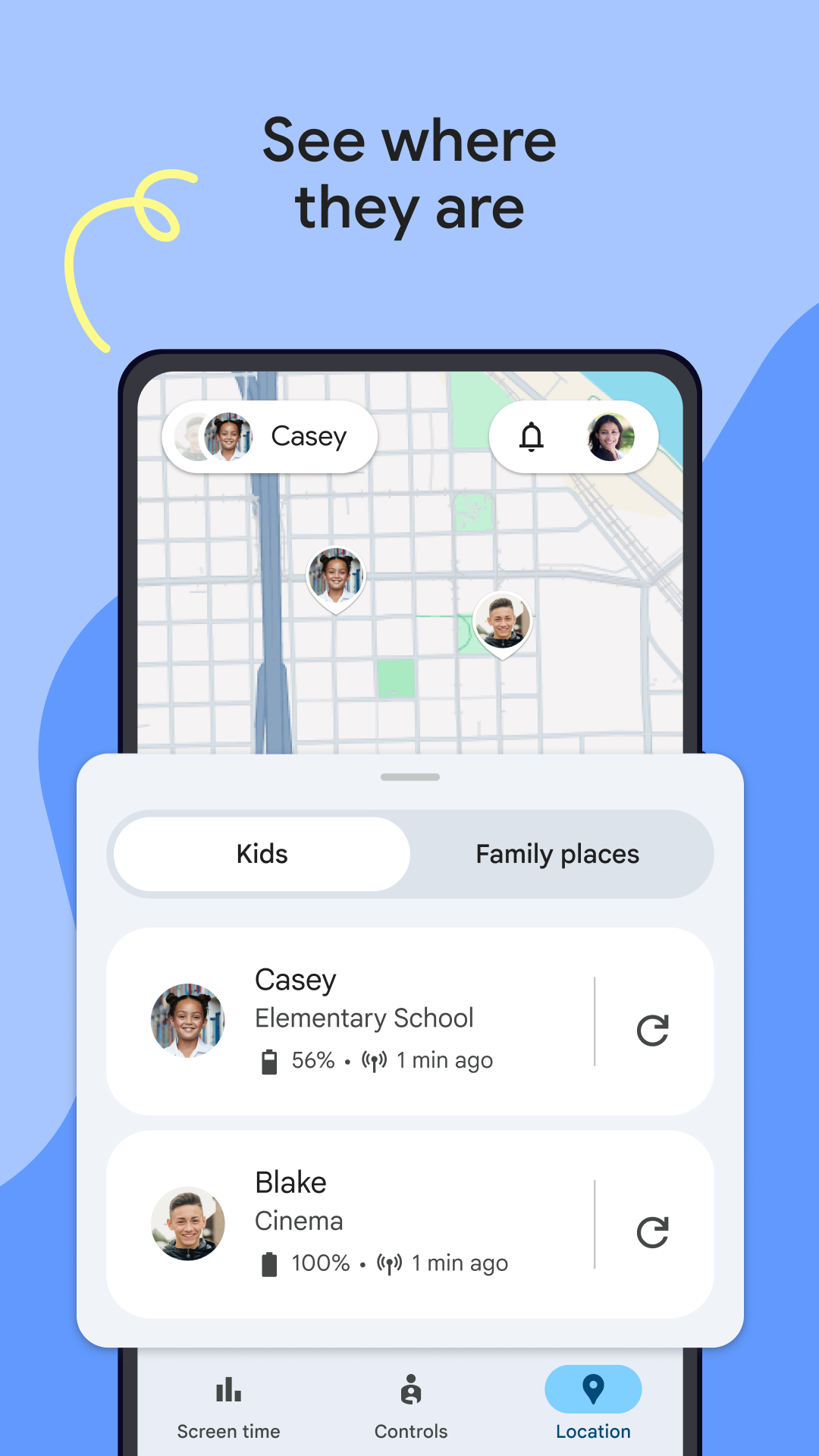
• See where they are — It’s helpful to be able to find your family when they’re on the go. With Family Link, you can locate your children on one map, as long as they’re carrying their device.
• Get notifications and alerts — Family Link delivers critical notifications including when your child arrives or leaves a certain location. You can also ring devices and view the device’s remaining battery life.
Important Information
• Family Link’s tools vary depending on your child’s device. See a list of compatible devices at https://families.google/familylink/device-compatibility/
• While Family Link helps you manage your child’s purchases and downloads from Google Play, they will not need approval to install app updates (including updates that expand permissions), apps you have previously approved, or apps that have been shared in Family Library. In addition, purchase approvals will apply only when your child makes a purchase through Google Play’s billing system and will not apply to purchases made through alternate billing systems. Parents should regularly review their child’s installed apps and app permissions in Family Link.
• You should carefully review the apps on your child’s supervised device and disable those you don’t want them to use. Note that you may not be able to disable some pre-installed apps such as Play, Google, etc.
• To see the location of your child or teen’s device, the device must be powered on, recently active, and connected to the internet through data or wifi.
• Family Link parental controls are only available for supervised Google accounts. With supervised Google Accounts, children get access to Google products like Search, Chrome, and Gmail, and parents can set up basic digital ground rules to supervise them.
• While Family Link provides tools to manage your child’s online experience and keep them safer online, it does not make the internet safe. Family Link can not determine the content on the internet, but it can give parents the opportunity to make decisions about how their child spends time on their device, and determine what path to online safety looks best for your family.
Requirements (Latest version)
Android requirement is not listed in the current metadata.


