






This is third-party app info. Not affiliated with the developer.
Do you want to manage your notification at your time then here's your solution.
Fed up with always popup notification on screen😟?
Notification Box Widget is an app that manages notifications in your manner.
You can batch notifications, white-listed notifications, block notifications & also add a widget of notification on the home screen.
# Key features:
1). Notification Inbox: Get all your notification listed in these features. If you missed something mistakenly then you can catch it here in this notification box. Filter types of notifications like Social & Communication, Productivity, news & magazines, Games, Photos & Images, movies & videos, Music & Audio, Others, etc... you will get separate notifications by choosing any type out of this.
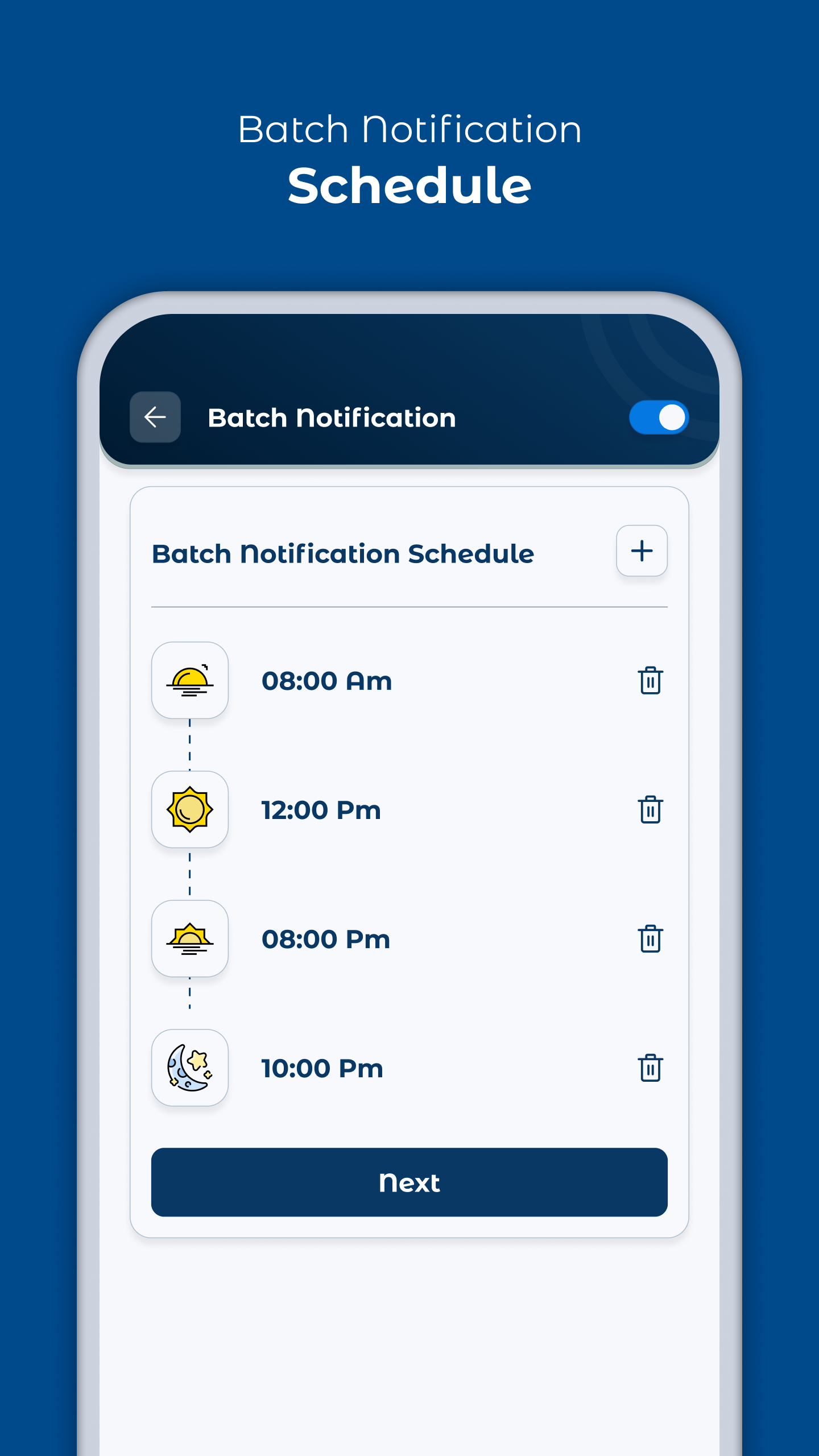
2). Batch Notification: Set a specific time to get notifications it's called batch notification. In this feature, you have to choose some interval of time when you want to receive notifications. App settings here in this app settings you have two classified options
1). Instant: If you want to receive important notifications from an important app then you will add those apps to this instant app list.
2). Batch: In this feature, add apps & all notifications from these selected apps you will get at one time that you choose it's called batch notifications.
3). White list notifications: if you want to receive important notifications from apps then add that apps in whitelist apps list.
4). Blocked notifications: Want to block notifications from apps then add that apps in blocked apps list.
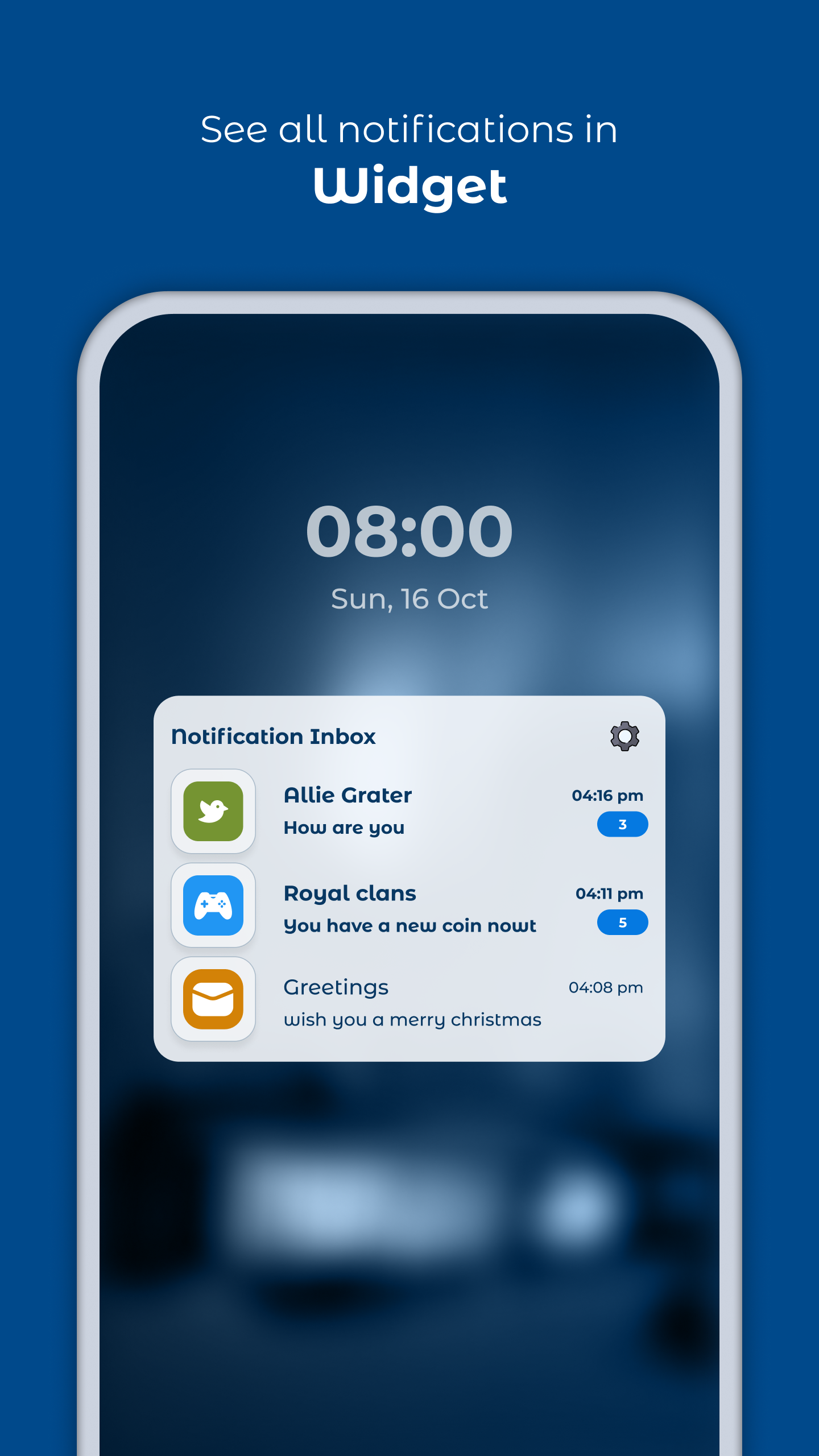
5). Widget: You can add a widget of notification on your home screen, so you can easily access notifications from apps in widget.
Permissions :
1. Notification - Permission required to get notifications from apps and manage it in our App for feature like scheduled, notification widget etc..
2. App Usage - Permission required to manage read/unread state of notification inbox functionality when user click any notification of App.
3. Query all package - Permission required to retrieve application list from device and allow user selection for use Apps features like whitelist App's notification , batch App's notification etc..
Fed up with always popup notification on screen😟?
Notification Box Widget is an app that manages notifications in your manner.
You can batch notifications, white-listed notifications, block notifications & also add a widget of notification on the home screen.
# Key features:
1). Notification Inbox: Get all your notification listed in these features. If you missed something mistakenly then you can catch it here in this notification box. Filter types of notifications like Social & Communication, Productivity, news & magazines, Games, Photos & Images, movies & videos, Music & Audio, Others, etc... you will get separate notifications by choosing any type out of this.
2). Batch Notification: Set a specific time to get notifications it's called batch notification. In this feature, you have to choose some interval of time when you want to receive notifications. App settings here in this app settings you have two classified options
1). Instant: If you want to receive important notifications from an important app then you will add those apps to this instant app list.
2). Batch: In this feature, add apps & all notifications from these selected apps you will get at one time that you choose it's called batch notifications.
3). White list notifications: if you want to receive important notifications from apps then add that apps in whitelist apps list.
4). Blocked notifications: Want to block notifications from apps then add that apps in blocked apps list.
5). Widget: You can add a widget of notification on your home screen, so you can easily access notifications from apps in widget.
Permissions :
1. Notification - Permission required to get notifications from apps and manage it in our App for feature like scheduled, notification widget etc..
2. App Usage - Permission required to manage read/unread state of notification inbox functionality when user click any notification of App.
3. Query all package - Permission required to retrieve application list from device and allow user selection for use Apps features like whitelist App's notification , batch App's notification etc..
Requirements (Latest version)
• Requires Android 5.0 or higher
Information about Notification Box Widget 1.0.3
Basic Information
Content RatingEveryone
In-App Purchases$3.49 per item
Developer Contact
Security & Privacy
AdvertisingContains ads
Download Information
Downloads19.3K
ReleasedNov 6, 2022
Last UpdatedJul 23, 2025
File TypeAPK


