


About this listing
Reduce & compress video size is listed with version, update, developer, screenshots, permissions, source, and compatibility details from the available app metadata.
APK and source facts
Before you install
- Android requirement is not listed in the current data.
- Package size is not listed in the current data.
- The source link points to a Google Play listing.
Listing evidence
Reduce & compress video size includes version 3.3.5, last update Dec 1, 2025, 8 screenshots, privacy policy link in the current metadata.
The current metadata notes that permission list is not available.
FungoApp review for Reduce & compress video size
Reduce & compress video size by H. Arthur is listed in Video Players & Editors. This page organizes the available metadata into a practical review format, including version 3.3.5, Android requirement not listed, update date Dec 1, 2025, rating 4.4 out of 5, and install signal 500,000+.
Browse Android app listings with metadata, source links, version details, compatibility notes, screenshots, and permission signals that help you compare apps before installing. For Reduce & compress video size, use the details below as a checklist before you decide whether the app fits your device, privacy expectations, and use case.
Install decision context for Reduce & compress video size
Reduce & compress video size is best reviewed as a Video Players & Editors listing from H. Arthur, not as a direct APK file from FungoApp. The current signals show version 3.3.5, Android requirement not listed, last update Dec 1, 2025, rating 4.4 out of 5, install signal 500,000+, and monetization that contains ads and does not list in-app purchases in the current data. Use those signals together: a popular listing can still be a poor fit if the permissions, update age, or account requirements do not match your intended use.
Use-case fit analysis
Reduce & compress video size is presented around this purpose: "Proton Video Compressor App, Reduce Video Size, Resize Video, Works Offline" A good fit is more likely when that purpose matches the category, screenshots, version history, and the kind of access the app requests. If you only need a narrow task, compare this listing with simpler alternatives before leaving FungoApp for the external source.
Permissions and privacy interpretation
Reduce & compress video size does not include a permission list in the current FungoApp data. That missing field reduces review confidence, so readers should check the Android install prompt and source listing before using personal data or granting sensitive access.
Version and update interpretation
The listing shows version 3.3.5, updated Dec 1, 2025, package size not listed, and Android requirement not listed. Newer updates can indicate maintenance, but the practical question is whether the listed Android requirement fits your device and whether recent changes explain why the app needs its current permissions and storage footprint.
Screenshot review prompts
Reduce & compress video size includes 8 screenshots in the current listing data. Use them to confirm the interface, account prompts, ads, paywalls, editing tools, game style, or workflow before you open the source page. Screenshots are evidence of presentation, not independent proof of package behavior.
Use case fit
Reduce & compress video size is summarized as: "Proton Video Compressor App, Reduce Video Size, Resize Video, Works Offline" Compare that promise with the screenshots, category, update notes, and related apps before installing.
Version and compatibility
The listing shows version 3.3.5, Android requirement not listed, package size not listed, and last update Dec 1, 2025. These details matter because older devices, large packages, and stale updates can change the install experience.
Privacy and permissions
Reduce & compress video size does not include a permission list in the current metadata, so review the source listing and Android install prompt carefully.
Review checklist
- Confirm the developer name and source listing before installing.
- Review version, Android requirement, package size, and update date.
- Compare requested permission access with the feature you actually need.
- Read recent change notes and ratings as signals, not as guarantees of safety.
Comparison prompts
- Compare Reduce & compress video size's developer and source link with other Video Players & Editors options before installing.
- Check whether version 3.3.5 and Android not listed match your device.
- Review the source listing carefully because FungoApp does not currently have a permission list for this app.
- Compare against related listings such as Video Maker & Photo Music and Calculator - photo vault for feature scope and privacy tradeoffs.
Publisher notes
- FungoApp organizes public listing metadata into review notes and comparison checklists for Reduce & compress video size.
- FungoApp does not host the APK file, modify the app package, or claim independent file verification from the current data.
- The 4.4 rating is positive, though rating volume and recent reviews should be checked on the source listing before treating it as a strong quality signal. 500,000+ installs provide a modest adoption signal; compare it with category fit and developer transparency.
Developer-provided description
Features overview:
1. Compress MP4 videos, including many more formats
2. Resize videos
3. Remove audio from video
4. Fast compressor
5. High quality output
6. Multiple supported formats like MP4, MKV, MOV, and many more
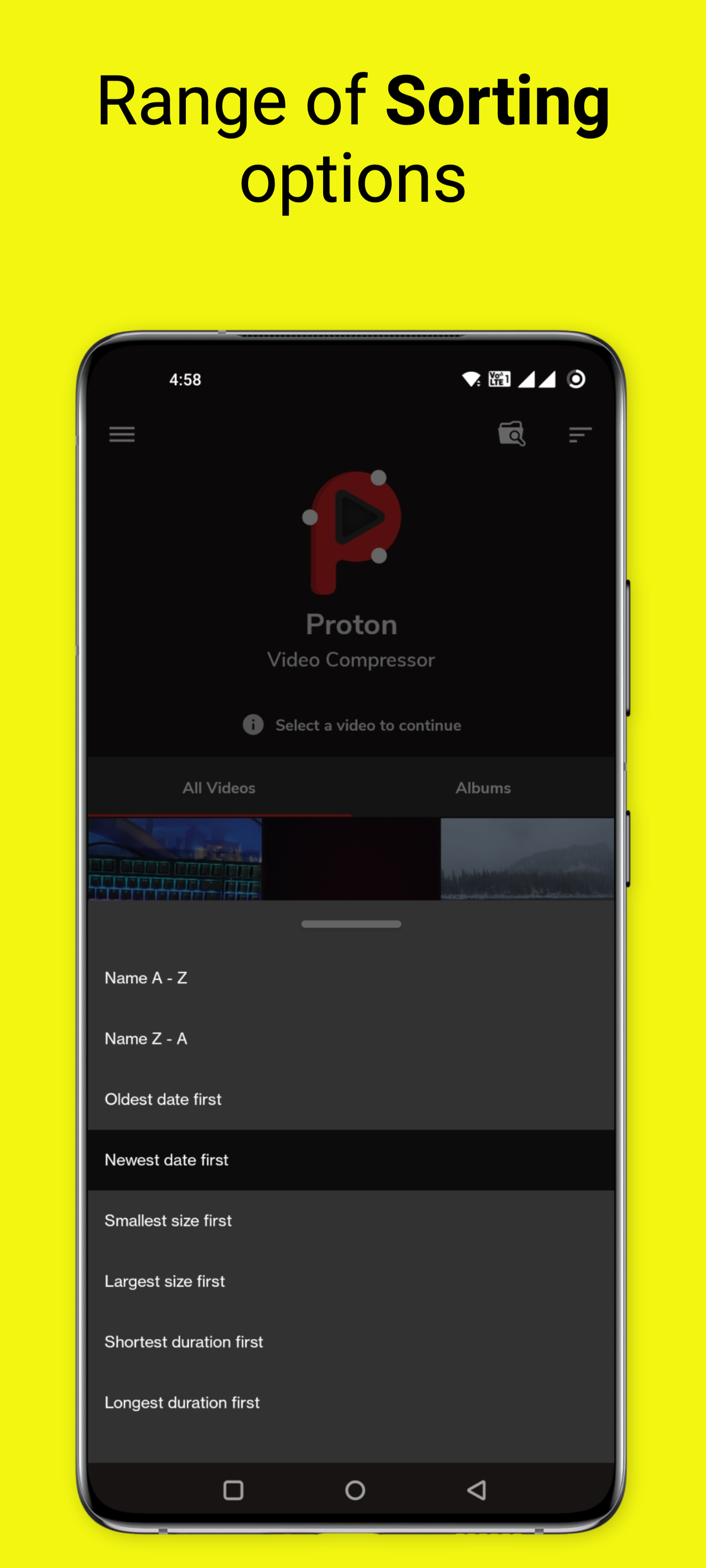
7. Sort videos based on name, size, creation date and duration
8. Multiple predefined resolutions
9. Compress to share on WhatsApp & Gmail
10. Choose custom file size
11. Choose custom resolution
12. Works fully offline
Proton Video Compressor and video resizer app simplify the process of compressing your videos without compromising much of their quality. Whether you have large camera videos or movies, our lightning-fast compression algorithm can shrink them with ease. Now, sharing your videos on social media, via email, or on messaging apps like WhatsApp and Gmail is a breeze.
Flexible Video Resizer
Need to adjust the resolution or size of your videos? Proton Video Compressor lets you resize video files to your desired specifications. Whether you want to reduce the file size or change the resolution, we've got you covered.
Preserve Video Quality
Worried about quality loss during compression? Fret not! Our video resizer app delivers high-quality output. You'll be amazed at how we can significantly reduce your video file size while maintaining impressive video quality. Avoid excessive grain or pixelation in most cases – with Proton Video Compressor app, your videos will look fantastic.
Extensive video format support
The app is compatible with a wide range of video formats, including MP4, MKV, MOV, WebM, TS, M4V, AVI, MPEG, 3GP, FLV, MPG, WMV & more. This extensive format support means you can use the compressor tool for a variety of video files and ensure they meet your needs.
Audio Removal
Sometimes, you may want to strip audio from your videos. Our free video app provides the option to remove audio, giving you even more control over your content.
Custom File Sizes
Have specific file size requirements for sharing your videos? No problem! Proton Video Compressor for Android offers a custom file size option, allowing you to compress videos to your desired size. Choose from a range of predefined resolutions or set your own parameters.
User-Friendly Interface
We've designed our app with simplicity in mind. Choose videos from your file manager, view them in the album, and easily sort them based on name, size, creation date, and duration. With intuitive controls and a user-friendly interface, optimizing your videos has never been this convenient.
Our app delivers impressive results. It can compress, in most cases, a 500MB video file to less than 50MB while maintaining reasonable video quality. You can even convert GBs to MBs quickly and efficiently. Be surprised by the output quality.
Proton Video Compressor main features at a glance:
• Easy video compression: Reduce file size without much quality loss.
• Resize flexibility: Adjust resolution to fit your needs.
• Quality preservation: Keep video quality high after compression.
• Format versatility: Supports various video formats for compatibility.
• Audio removal: Strip audio from videos if desired.
• Custom sizing: Compress videos to your preferred file size.
• User-friendly interface: Intuitive, easy-to-use design.
• Proven compression results: Shrink files without sacrificing much quality.
Stay tuned and let us know about any bugs, questions, feature requests, or any other suggestions.
Disclaimer: Not Related to Proton AG
We want to make it clear that we are in no way related to Proton AG. Our app, Proton Video Compressor, is an independent video optimization tool designed to help you make the most of your video content.
Requirements (Latest version)
Android requirement is not listed in the current metadata.


