

Video Preview



This is third-party app info. Not affiliated with the developer.
Easily Backup and Restore All Your Phone Data in One Tap!
With just a few taps, you can back up all your important data to your Google Drive or local storage, giving you complete peace of mind that your information is always safe, secure, and accessible.
Whether you’re switching to a new phone or simply want to protect your files, this all-in-one Backup & Restore app makes it easy to back up and restore your contacts, messages, apps, and media files anytime.
📦 Key Features:
✓ All-in-One Backup Solution
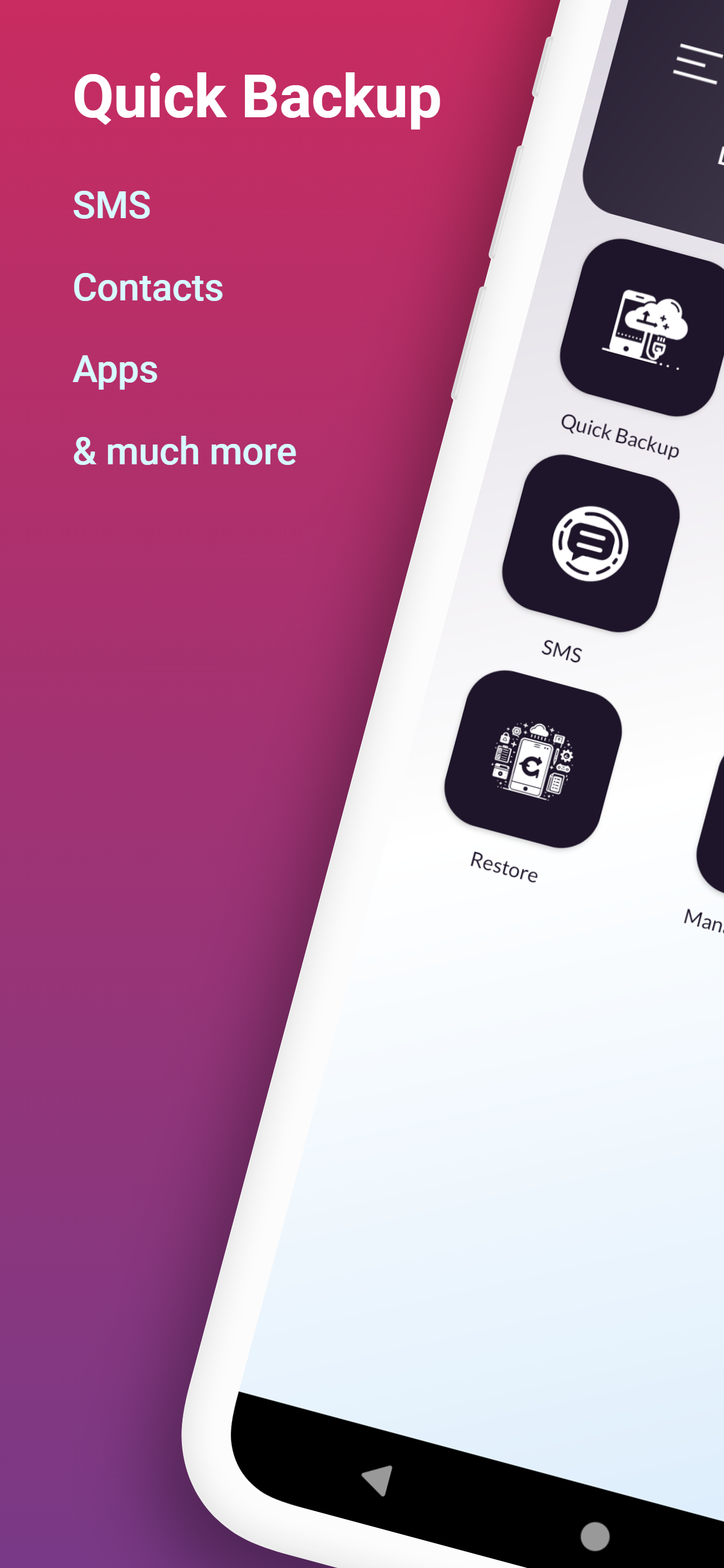
Back up Contacts, SMS, Call Logs, Calendar, Apps (APK files) and now Media Files — all from one app.
✓ NEW: Media Backup
Securely back up your Photos, Documents, Audio files, APKs, and Archives (ZIP/RAR) while keeping the original folder structure intact.
✓ Cloud & Local Backup
Save backups to your phone storage or Google Drive — you choose.
✓ Fast & Easy Restore
Restore your data in seconds from local or Drive backups.
✓ Manage Backups Easily
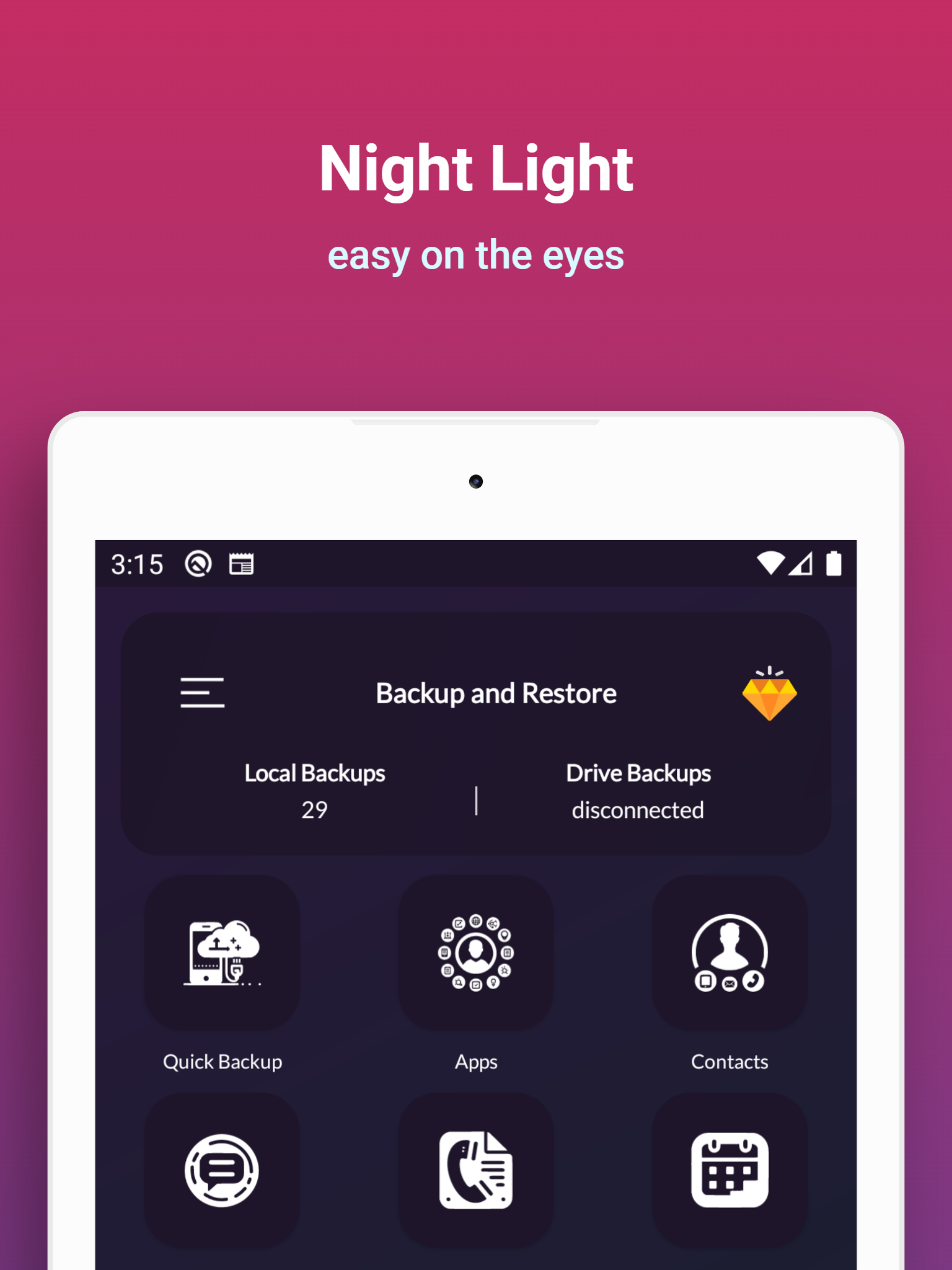
Upload, download, restore, or delete backups from local storage or Google Drive.
✓ Auto Backup
Automatically back up your data daily, weekly, or on a custom schedule.
✓ Safe & Private
Your data stays on your device or your own Google Drive — we never access, upload, or share your files.
💡 How It Works:
✦ Backup:
• Choose what you want to back up — Contacts, SMS, Call Logs, Calendar, Apps, or Media Files
• Select backup location (Google Drive or Local Storage)
• Tap Start Backup — done!
✦ Media Backup:
• Select file types (Photos, Documents, Audio, APKs, Archives)
• Choose folders or perform a full media backup
• Files are backed up securely with folder structure preserved
✦ Advanced Backup:
• Select specific items or folders for a custom backup experience
✦ Restore:
• Go to Restore / Manage Backup
• Choose what you want to restore
• The app runs safely in the background and notifies you when finished
✦ Manage Backups:
• Local backups: Upload to Drive, restore, or delete
• Drive backups: Download to phone or restore directly
⚙️ Permissions Required:
• Storage access – To create and manage backup files
• Contacts, SMS, Call Logs, Calendar – For backup & restore functionality
• Google Drive access (optional) – For cloud backups
⚠️ Important Note:
This app does not back up app data. Only APK files are backed up and restored.
🔒 Keep your data safe, organized, and always accessible.
📲 Download now and back up everything that matters — in just one tap!
With just a few taps, you can back up all your important data to your Google Drive or local storage, giving you complete peace of mind that your information is always safe, secure, and accessible.
Whether you’re switching to a new phone or simply want to protect your files, this all-in-one Backup & Restore app makes it easy to back up and restore your contacts, messages, apps, and media files anytime.
📦 Key Features:
✓ All-in-One Backup Solution
Back up Contacts, SMS, Call Logs, Calendar, Apps (APK files) and now Media Files — all from one app.
✓ NEW: Media Backup
Securely back up your Photos, Documents, Audio files, APKs, and Archives (ZIP/RAR) while keeping the original folder structure intact.
✓ Cloud & Local Backup
Save backups to your phone storage or Google Drive — you choose.
✓ Fast & Easy Restore
Restore your data in seconds from local or Drive backups.
✓ Manage Backups Easily
Upload, download, restore, or delete backups from local storage or Google Drive.
✓ Auto Backup
Automatically back up your data daily, weekly, or on a custom schedule.
✓ Safe & Private
Your data stays on your device or your own Google Drive — we never access, upload, or share your files.
💡 How It Works:
✦ Backup:
• Choose what you want to back up — Contacts, SMS, Call Logs, Calendar, Apps, or Media Files
• Select backup location (Google Drive or Local Storage)
• Tap Start Backup — done!
✦ Media Backup:
• Select file types (Photos, Documents, Audio, APKs, Archives)
• Choose folders or perform a full media backup
• Files are backed up securely with folder structure preserved
✦ Advanced Backup:
• Select specific items or folders for a custom backup experience
✦ Restore:
• Go to Restore / Manage Backup
• Choose what you want to restore
• The app runs safely in the background and notifies you when finished
✦ Manage Backups:
• Local backups: Upload to Drive, restore, or delete
• Drive backups: Download to phone or restore directly
⚙️ Permissions Required:
• Storage access – To create and manage backup files
• Contacts, SMS, Call Logs, Calendar – For backup & restore functionality
• Google Drive access (optional) – For cloud backups
⚠️ Important Note:
This app does not back up app data. Only APK files are backed up and restored.
🔒 Keep your data safe, organized, and always accessible.
📲 Download now and back up everything that matters — in just one tap!
Requirements (Latest version)
• Requires Android 5.0 or higher
Information about Backup and Restore All Varies with device
Basic Information
Content RatingEveryone
In-App Purchases$2.99 - $6.49 per item
Developer Contact
Security & Privacy
AdvertisingContains ads
Download Information
Downloads204.1K
ReleasedAug 3, 2023
File TypeAPK


